12
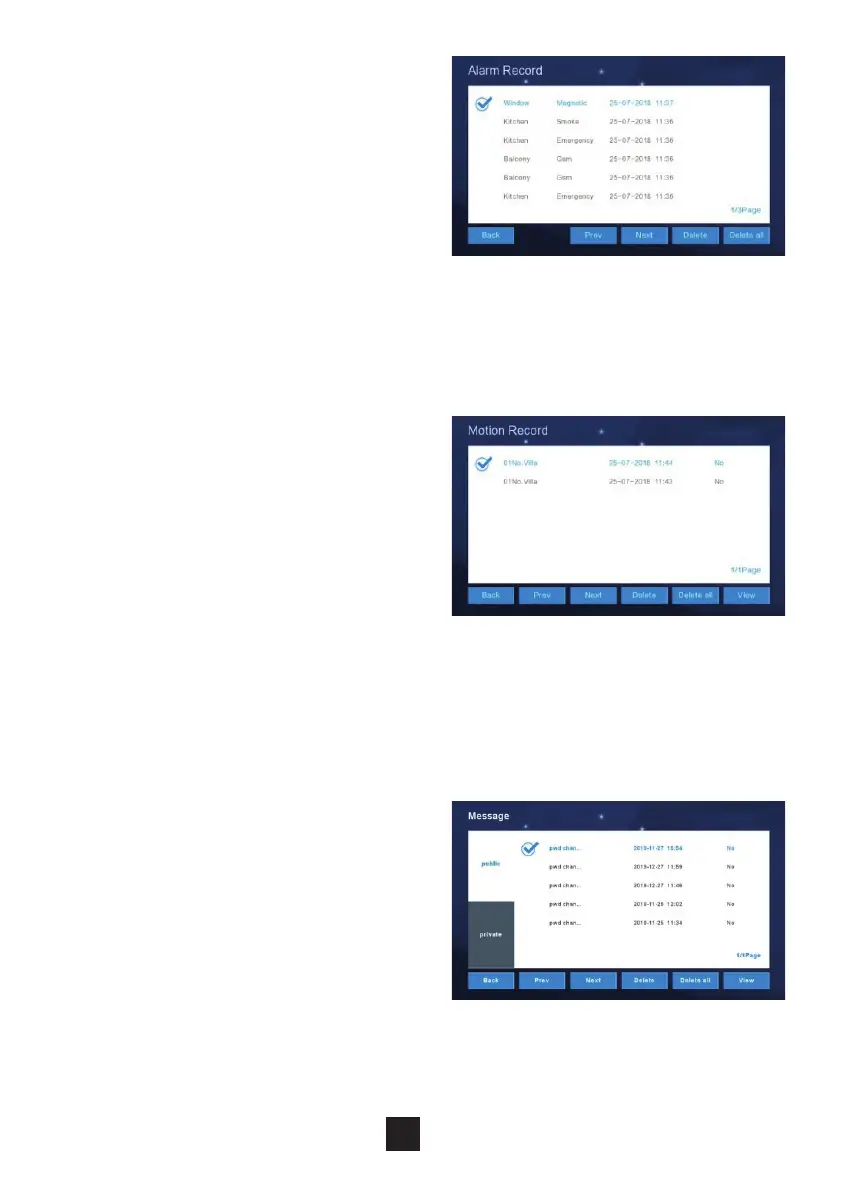
2.2.5 Alarm record
To observe the alarm details (Location,
Type, Date & Time), select the record
and click “View”. To delete a record,
select the record and click “Delete”.
2.2.6 Motion detection record
To observe the Motion Detection Records
(Monitor Information, Status, Date &
Time), select the record and click “View”.
To delete a record, select the record and
click “Delete”.
NB: Motion Detection feature only applies
to Villa or Outdoor Panels only.
2.2.7 Community message
(only for apartment system)
Under this section the Monitor stores,
public and personal messages sent
from the Management Centre or
other monitors. The messages can
be viewed and deleted.



 To Next Page