a. Available to, modify the device name.
b. Available to view the device info.
f. Delete the device if need to unbin the device from the smartphone.
e. Available to share the device to other smartphone.
d. Have Saving Settings if indoor monitor has SD card. Can view the storage
capacity, the event records when the video recording mode is on.
c. Available to set the talking mode as single model or double mode at basic
settings (Default as single mode).
Available to call the Guard Station or PC Management Center, and can snapshot
pictures.
Notes: The contacts that added here need to make sure in the same network,
and need to setup in the indoor monitor.
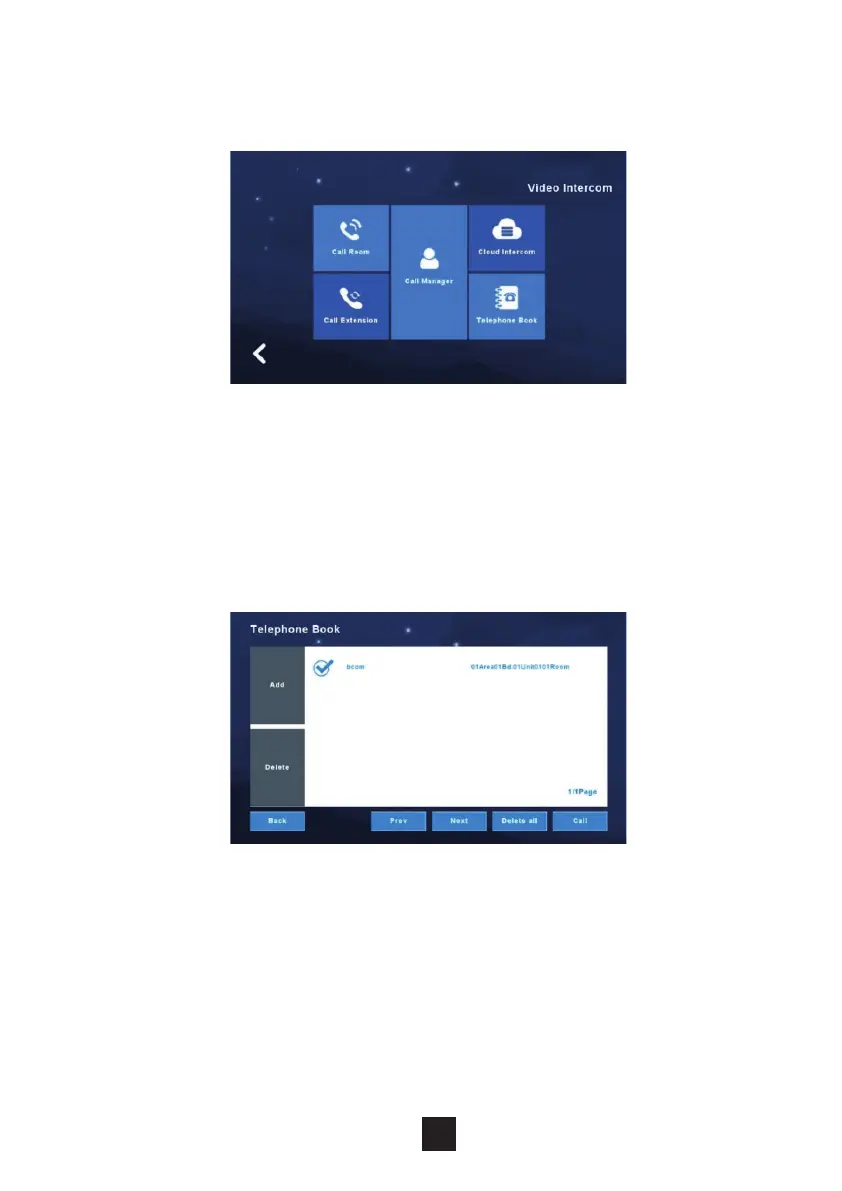
Available to add the contacts that besides own apartment, and call to others.
Fill in the Contact name, area, building, unit, room number when add. Can
have audio call after added.
2.5.4 Video Intercom (only for apartment system)
2.5.5 Telephone Book (only for apartment system)
Under this section, the monitor can call directly though to the concierge handset.
Under this section, users can add other rooms or extensions as a contact.
call the contact.



 To Next Page