1. Hang up: Exit the interface
2. Speaker: Allow the device to hear the audio from the outdoor panel/station.
3. Picture snapshot: Take a snapshot of the video
4. Mute/unmute:
5. Unlock: Unlock the door connected to this station/panel
6. Channel switch: switch to monitor another station/panel.
7. Play back: Video playback when SD card is used in a monitor or the
Recordingfunction is actvated in the app.
8. Pictures: View snapshot pictures or recorded videos
9. Monitor unlock: unlock the lock/relay connected to the monitor.
10. Video recording Record the video and audio call.
11. Full screen:
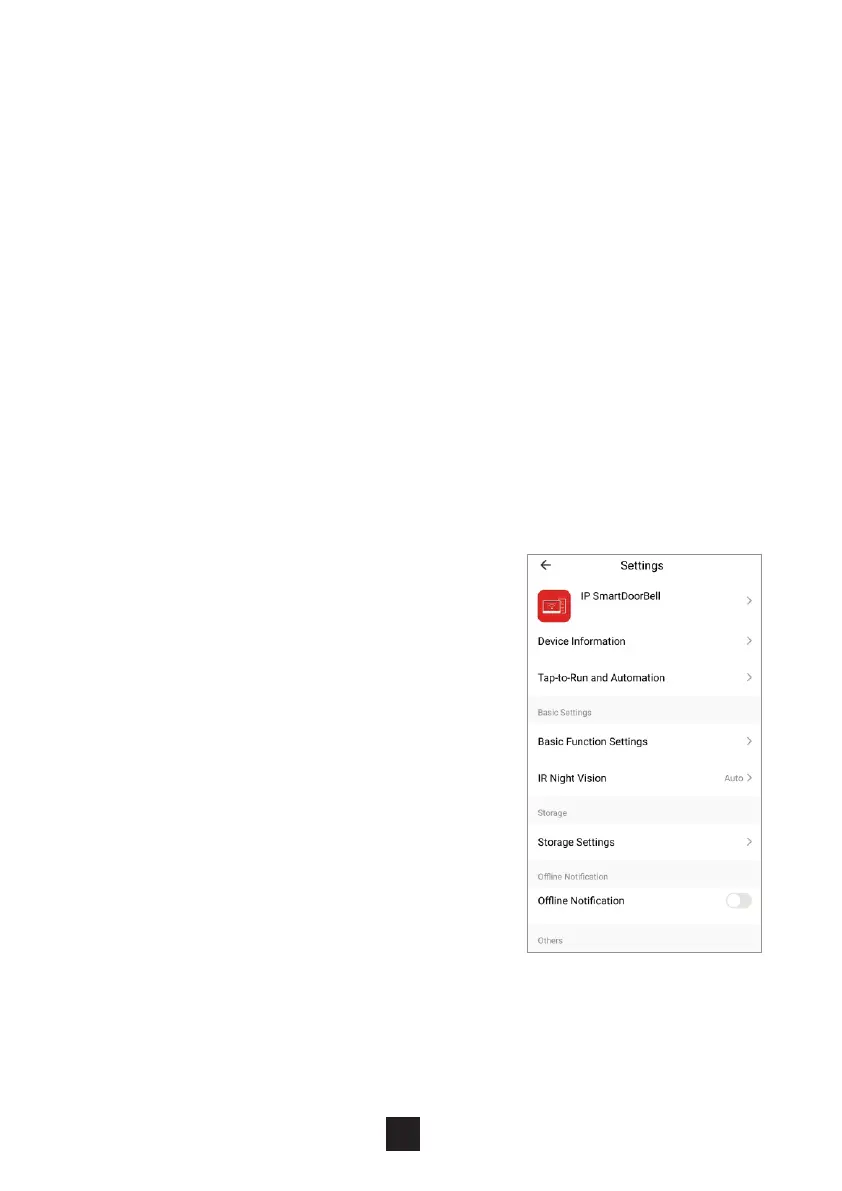
12. Settings:
a. Modify the device name
b. View device information
c. Program 2-way communication or keep
the default of one way communication
d. Saving settings if monitor has SD card
e. Add other deivces to the monitor
f. Delete the device from the monitor.
18



 To Next Page