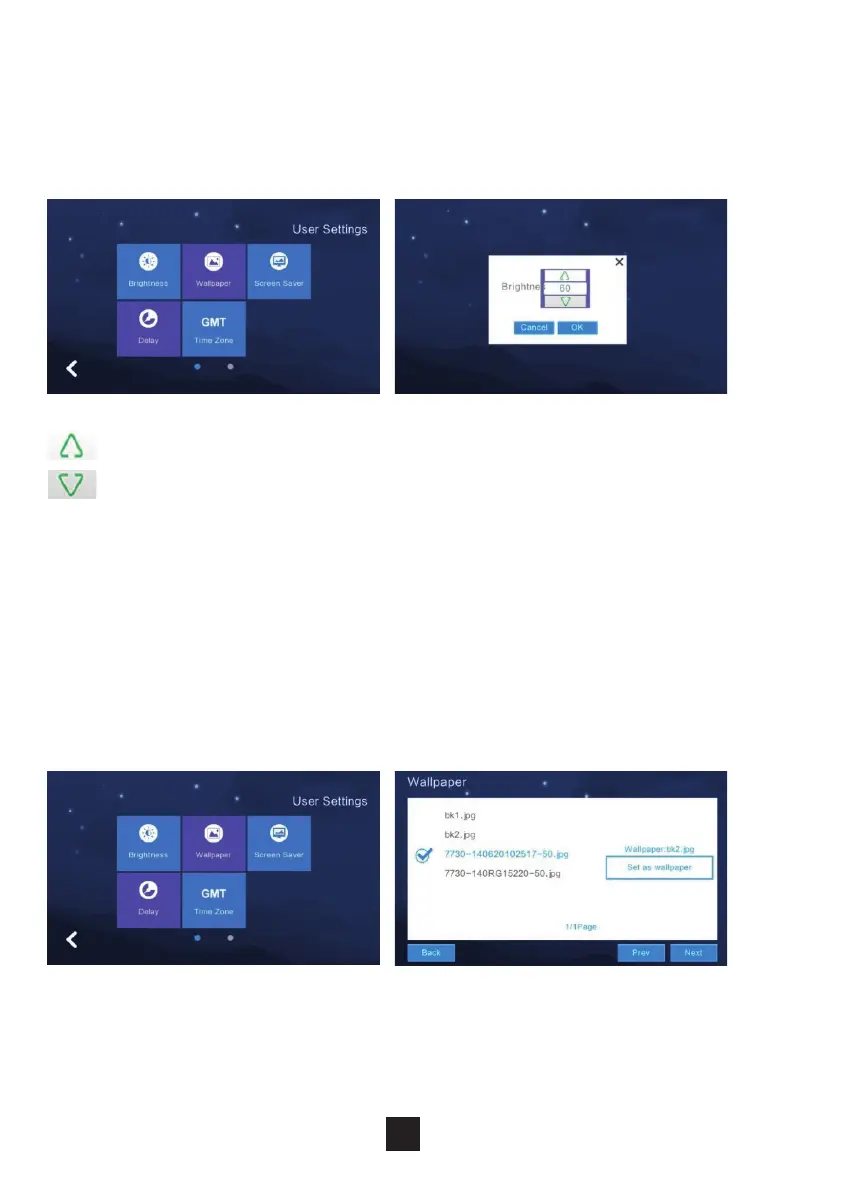
To adjust the monitors brightness settings, click ‘Brightness’ & adjust the
brightness accordingly. Click ‘OK’ to conrm choice.
NB The range is ‘1-100’
Increase the brightness (+)
Decrease the brightness (-)
To adjust the monitors wallpaper settings, click ‘Wallpaper’. Select the
desired wallpaper and click ‘Set as wallpaper’ to successfully set the image
as a wallpaper.
Options to import a wallpaper from an SD card.
NB: Picture resolution should be ‘1024*600’ & in JPEG format.
2.6.7 Screen brightness settings
2.6.8 Wallpaper settings
24



 To Next Page