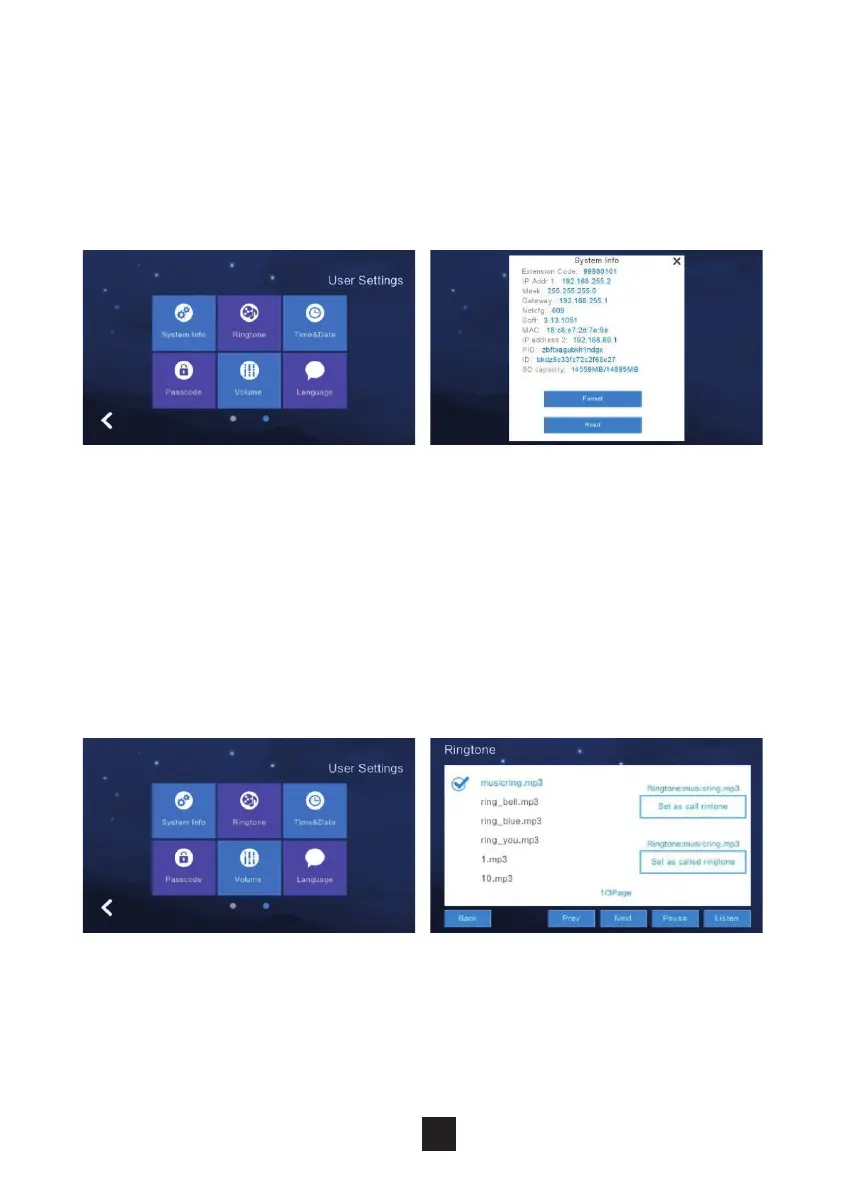
Under this section the Monitor allows you to adjust the ringtone and talking
volume.
NB: The default volume level is set as 6, the range is 0-15.
Voice message: Turn this on to leave a message for missed visitor calls.
Default is o.
To change the language, click “Language” & select the required language.
Choices available: Russian, English, Spanish, Turkish, Portuguese, German,
French, Italian, Polish, Bulgarian, Arabic, Azerbaijani, Persian & Dutch. Click
‘OK’ to conrm choice.
2.6.5 Volume settings
2.6.6 Language settings
23



 To Next Page