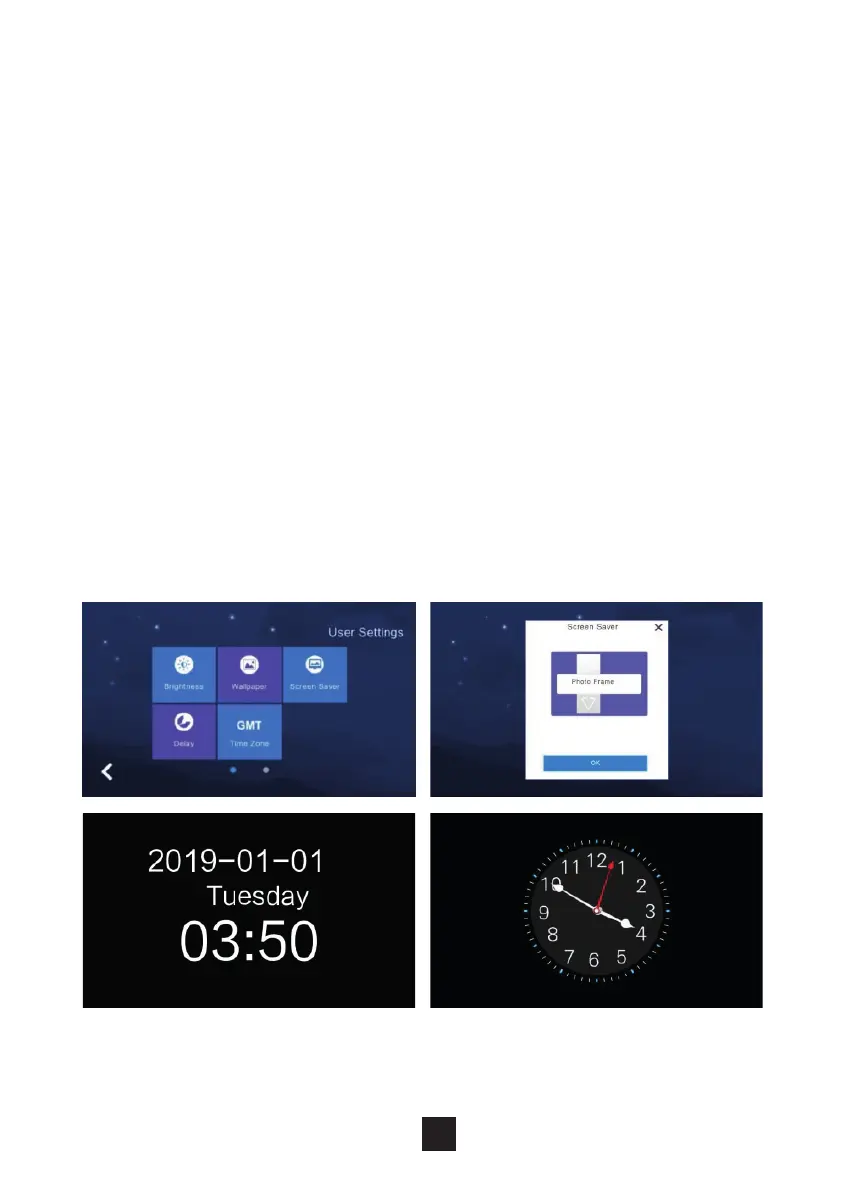
The monitor supports 4 types of standby modes: black screensaver, time
screensaver, clock screensaver & picture screen saver.
Congure the screensaver status either by default or to turn o after 60 seconds
without operation.
NB: Under the time screensaver & clock screensaver options the monitor will
automatically switch o if no operation within 60 seconds.
How to add a picture screensaver:
1. Create a folder containing a carousel of images in the SD card and label it
screensaver.
2. Insert the SD card into the monitor.
3. Under the ‘screensaver’ setting select ‘standby mode’
4. The pictures within the SD card require:
a. Picture format of JPEG
b. Resolution of <1920*1080
c. File size <3 MB
NB: During 0:00 – 6:00 am the monitor screensaver will not be active.
2.6.9 Screensaver settings
25



 To Next Page