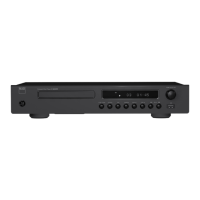
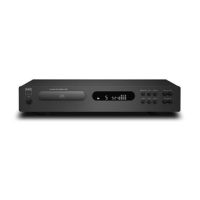
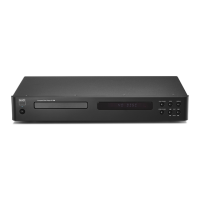
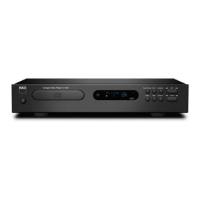
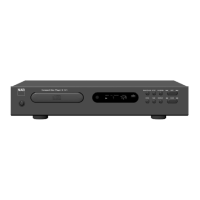
The C 568 can play back MP3/WMA les stored in external USB (Universal
Serial Bus) devices. The following are the C 568’s capabilities with respect to
USB device playability.
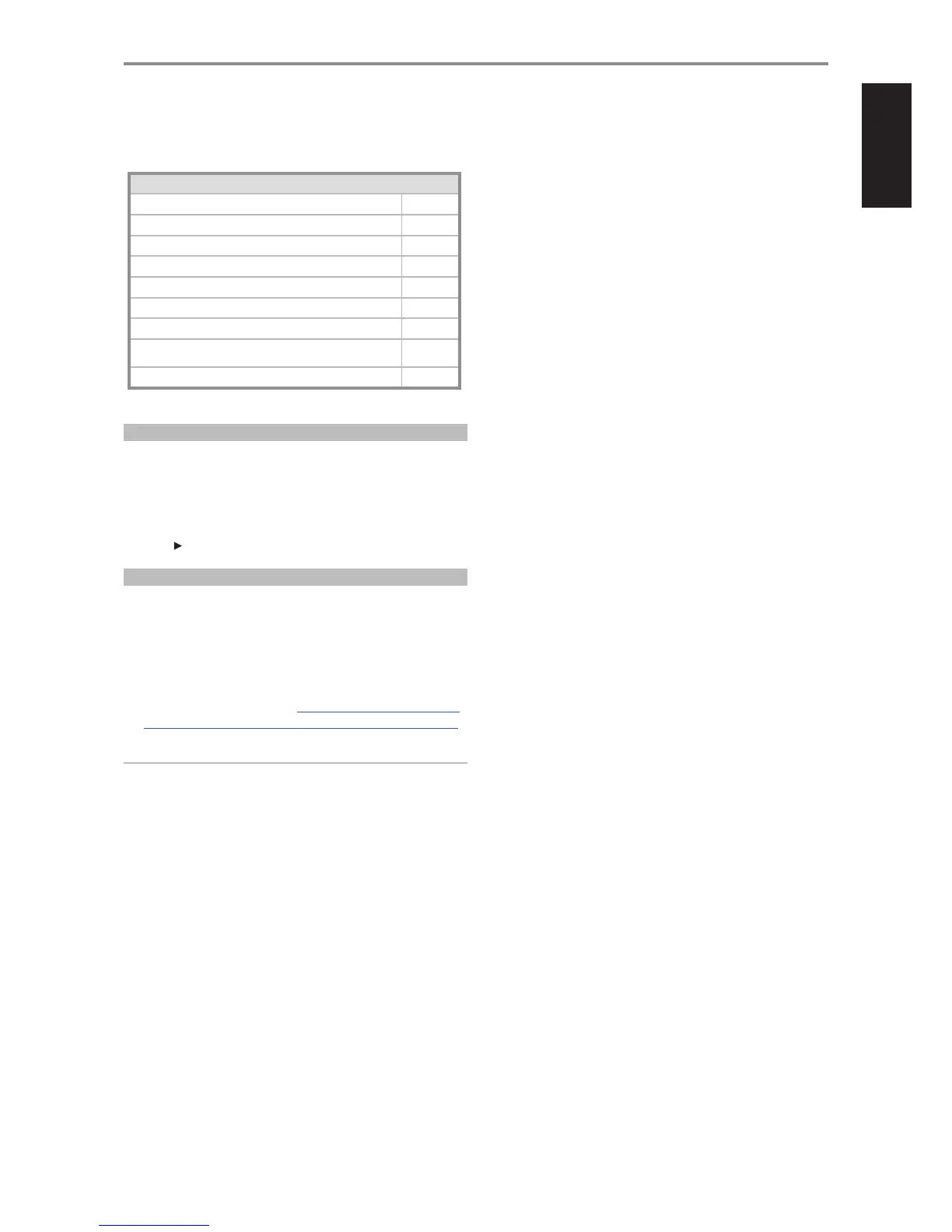
USB SUPPLEMENTARY INFORMATION
Maximum number of folders supported 255
Maximum le in one folder 255
Maximum le in device 65535
Maximum number of sub-directory 8
Maximum number of bytes supported for Folder/File name 64
Maximum number of bytes supported for ID3 Title/Artist/Album 60
Maximum bit rate supported VBR, 320K
HDD handling capacity (additional power adapter maybe required for
some HDD models)
FAT 16/32
USB version supported 2.0
LISTENING TO USB DEVICE
1 Toggle [SOURCE] button to select “USB” mode. If no external USB device
is connected to the front panel’s USB input, “No USB” will be displayed
in the VFD. If there are no applicable MP3/WMA les available in the
external USB, the VFD will show “USB Empty”.
2 Plug-in the external USB device to the USB input – “USB Reading” will be
blinking in the VFD and then the total number of les will displayed.
3 Press [ ] to start playback.
SELECTING DIRECTORIES OR FILES
The following are the steps on how to select a desired directory and MP3 or
WMA le at stop mode.
1 Connect the external USB device to the front panel’s USB input. Toggle
[SOURCE] button to select “USB” mode.
2 Press [FOLDER D/F ] to select desired folder. Press [ENTER].
3 Press [FILE A/S ] to select desired le number.
4 Press [ENTER] to start playback. Toggle CD 9’s [DISP] button to show
information about the current le. Refer also to the item about DISPLAY
at the FRONT PANEL section of the IDENTIFICATION OF CONTROLS page.
NOTE
Do not disconnect the USB ash drive during playback. It may cause
damage to the C 568.
OPERATION
USING THE C 568 USB MODE
11


 To Next Page