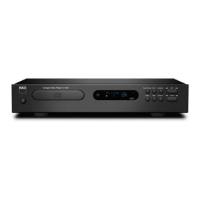
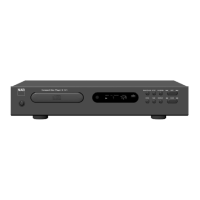
The CD 9 remote control is provided with your C 568 Compact Disc Player to
enable you to operate playback functions from the comfort of your chair or
from virtually anywhere in the room. For reliable operation, there should be a
clear line-of-sight path from the remote control to the front of the CD player. If
the player does not respond to remote commands, it may be that this line-of-
sight path is obstructed by clothing, paper or furnishings.
Most of the buttons on the remote control handset have the same eect as the
corresponding buttons on the front panel of the player. In addition, the handset
is equipped with some extra buttons like the following function keys.
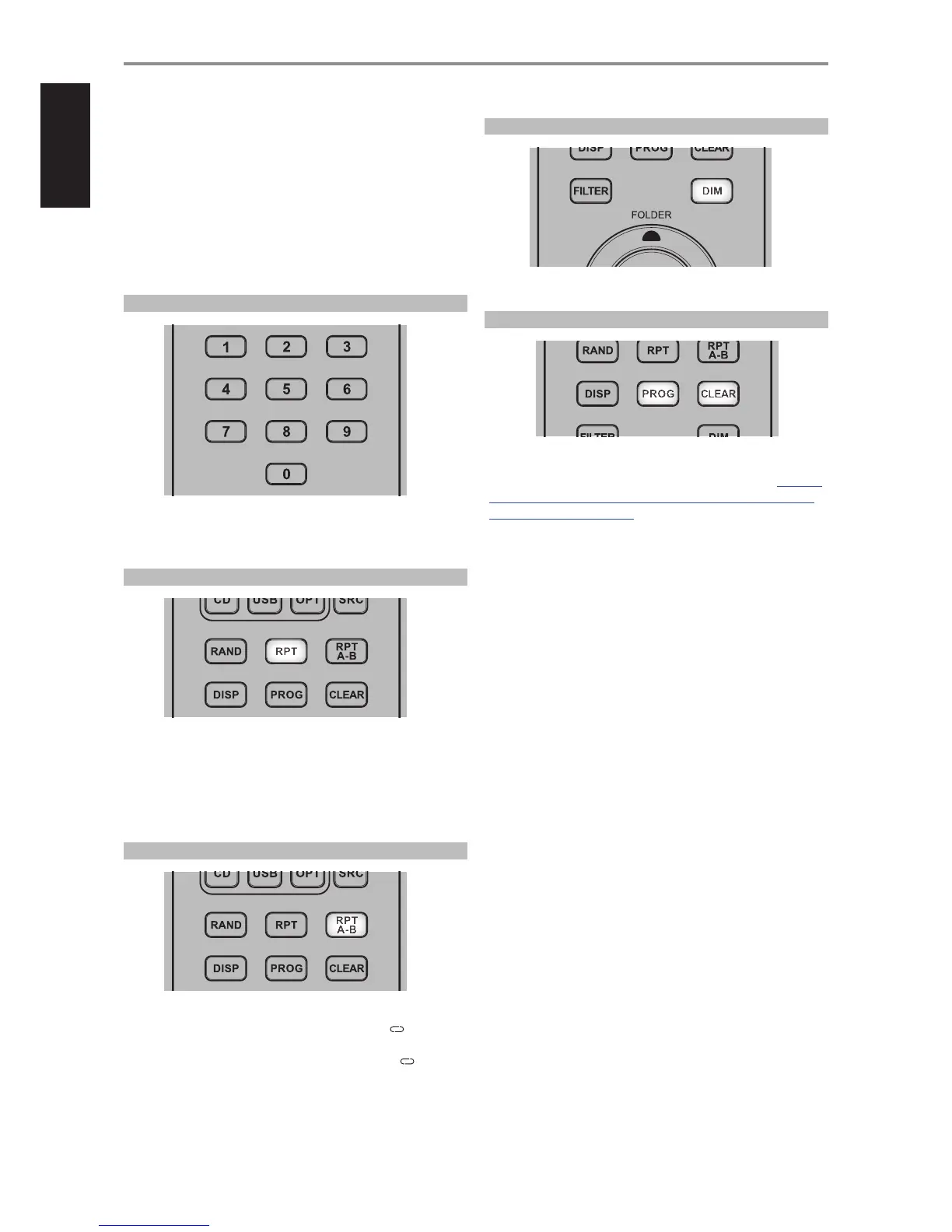
NUMERIC KEY PAD
Using the direct-entry numeric keypad (0 to 9) causes the C 568 to jump
directly to the beginning of a numbered track and commence play. Thus, to
play Track 5, simply press “5”. To play Track 20, press “2” and “0”.
REPEAT
A particular track or le can be repeatedly played back by pressing [RPT]
button. Toggle this button to repeat a track/le, folder, all tracks or all les.
Corresponding icons like REPEAT, REPEAT FOLDER, or REPEAT ALL will
be illuminated in the VFD as the particular repeat mode is selected. Turn
o repeat mode by pressing the REPEAT button until the REPEAT icon is
extinguished in the VFD.
RPT A-B
To repeat a sequence, implement the following procedures:
1 Press [RPT A-B] at your chosen starting point. “REPEAT A B” is
illuminated in the VFD with “B” blinking.
2 Press [RPT A-B] again at your chosen end point. “REPEAT A B” stay
illuminated. The repeat sequence begins.
3 Press [RPT A-B] again to cancel the sequence.
DIM
Toggle to reduce, turn o and restore VFD brightness.
PROGRAM AND CLEAR
Use [PROG] button to start, review, edit or exit programming mode. In
combination with [PROG] button, the [CLEAR] button allows the deletion
of a programmed track during program review or edit sequence. Refer also
to the item about “PROGRAMMING” at the “USING THE C 568 – CD MODE”
section of the “OPERATION” page.
OPERATION
USING THE C 568 CD 9 REMOTE CONTROL
12


 To Next Page