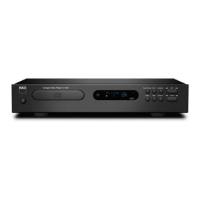
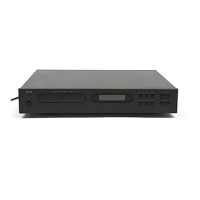
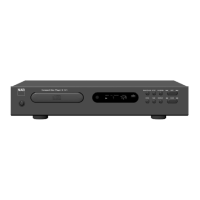
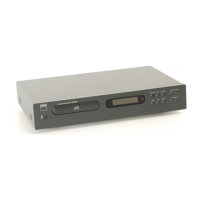
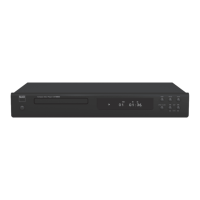
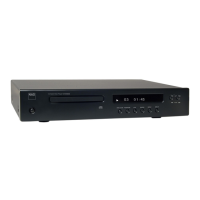
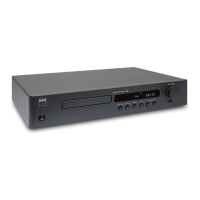
IDENTIFICATION OF CONTROLS
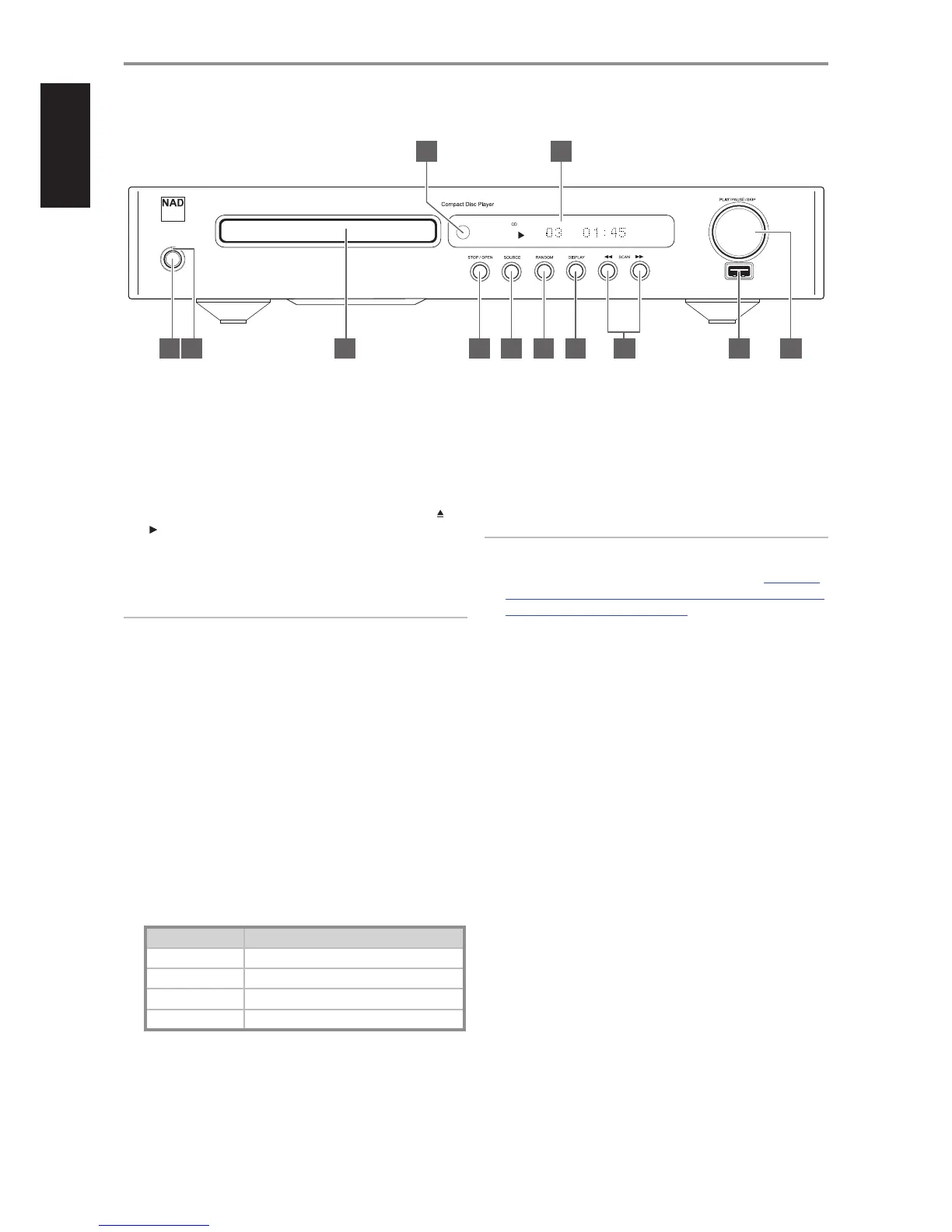
FRONT PANEL
1 STANDBY BUTTON: Press this button to switch ON the C 568. The
Standby LED indicator will turn from amber to blue and illuminate the
Vacuum Fluorescent Display (VFD). Pressing the Standby button again
turns the unit back to standby mode.
The C 568 can also be switched ON from standby mode by pressing
[PLAY/PAUSE/SKIP] knob on the front panel. Pressing CD 9’s [ON], [ ] or
[ ] buttons will also wake up the C 568 from standby mode.
If the disc tray is open and the Standby button is pressed, the disc tray
will draw close and the C 568 goes to standby mode.
NOTE
The C 568 will wake up from standby mode at the same SOURCE setting
it was in prior to being switched OFF to standby mode.
AUTO STANDBY
Auto Standby feature is an integral feature of C 568 that conforms to
ecodesign regulations. Auto standby mode can be enabled or disabled
by the following steps.
Enable Auto Standby mode
At operating mode, press and hold together front panel’s RANDOM
button and PLAY knob until the display shows “AutoStdby ON”.
Disable Auto Standby mode
At operating mode, press and hold together front panel’s RANDOM
button and PLAY knob until the display shows “AutoStdby OFF”.
CONDITIONS FOR AUTO STANDBY
With auto standby enabled, the C568 will automatically go to standby
mode under the following conditions:
Condition Period of no user interface interaction
No disc 15 minutes
No USB 15 minutes
Stop mode 15 minutes
Pause mode 30 minutes
2 STANDBY LED: This indicator will light up amber when the C 568
is at standby mode. When the C 568 is at ON state, this indicator will
illuminate blue.
3 DISC TRAY: With the disc tray open, insert a CD or other compatible
media disc face down onto the tray. Place the disc in the drawer,
centered in the smaller circular recess, with its label facing UP.
“No Disc” appears on the C568’s VFD if the disc is placed upside down
or there is no disc loaded.
NOTE
This player is not designed to accommodate neither a “damping disc”
placed on a CD nor two CDs stacked together. It plays audio CDs, but not
discs identied as CD-V, DVD, CD-I, CD-ROM or PHOTO CD. Refer also to
the item “CD-R AND CD-RW AUDIO DISCS” at the “USING THE C 568 – CD
MODE” section of the “OPERATION” page.
4 STOP/OPEN: This dual-function button alternates between stopping
playback and opening/closing the disc tray. Press this button to open
and close the disc tray. Pressing this button during disc playback will
cause the C 568 to stop playback; press again to open the disc tray.
Press [STOP/OPEN] button once to stop playback and re-set the pickup
to the beginning of the disc. The display reverts to showing the number
of tracks and total playing time on the disc; for WMA/MP3 les, the
display will revert to total number of les. If the C 568 was programmed
to play a selection of tracks, the program will be retained in the player’s
memory. Pressing [STOP/OPEN] twice at program mode will delete the
program.
Repeat and Random playback mode can be disengaged by pressing
the [STOP/OPEN] button.
Pressing the [STOP/OPEN] button will also switch ON the C 568 from
standby mode.
5 SOURCE: Toggle this button to select through the following SOURCE
modes - CD and USB. A corresponding icon (CD or USB) will illuminate
in the VFD as the applicable SOURCE is selected or comes up during
selection.
C 568
© NAD C 568
1 2 3 4 5 6 7 1010
12 11
88 9
6


 To Next Page