Battery
B Light
Library
Learn
Pun Thr
Copy
D
Rename
elete
Macro
Reset
Exit
Setup
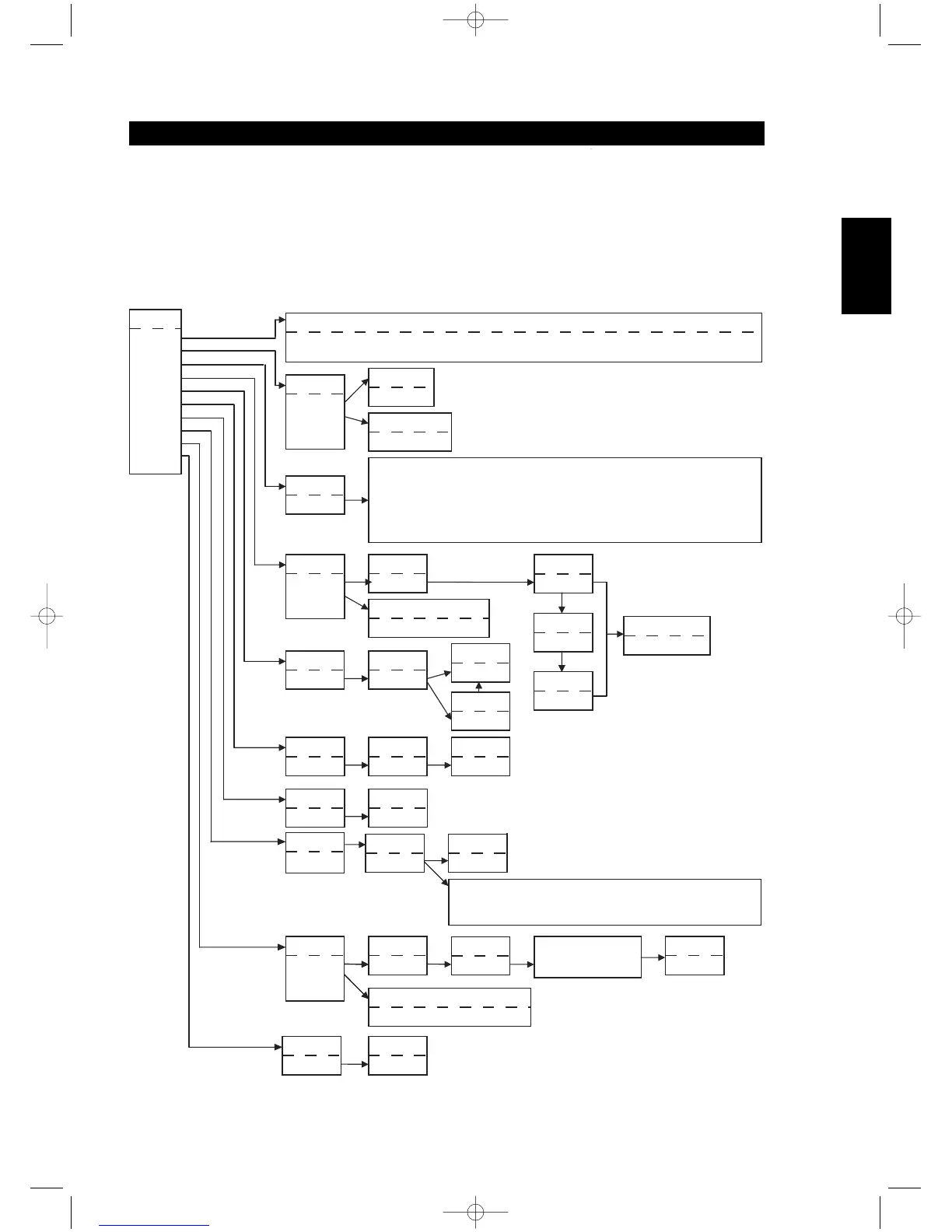
This option shows a bar graph of the battery level, or “Low Batt” if the level is too low to register on graph.
Pressing any key returns to the Setup menu.
Battery
Timeout
Mode
Sen Lvl**
Exit
B Light
<L:### >
{Device}
L
Learn
Mode
Exit
Learn
Key?
{Device}
P
Record
Mode
Exit
Macro
<No/Yes>
Fac Res?
Key?
Key?
{Device}
D
R
<No/Yes>
Sure?
<0 – 20 s>
Timeout
<Off/Sense/On>
Mode
Key?
Macro
M
Record macro
steps… Press Macro
key when done.
<Mode 0/Mode 1/Mode 2/Mode 3>
Mode
<Normal/2 Pass/Narrow>
Mode
Left/Right = Move through available tables within the current device type.
Digit Keys = Allows you to select a table number directly.
Enter = Load the current table after confirmation: “Load? <No/Yes>”
MACRO = Exit library mode.
Device Key = Switch active device.
Any Other Key = Transmit a test command.
Left/Right = scroll from left to right through all 8 character locations
Up/Down = scroll through the character values A-Z, a-z, { | } \ | / ^ ] [
@ ? > < = ; : . - , + * ) ( ' & % $ # " !
########
{Device}
R
To Dev?
{Device}
P
Key?
{Device}
L
<No/Yes>
Save?
M
<No/Yes>
Save?
R
Record
Mode
Exit
Macro
{Device}
<No/Yes>
Delete?
D
HTRM
Setup Menu
General Menu Operation:
•Press and hold SETUP+ ENTER for 5 seconds to enter setup menu.
•The MACRO key is a cancel function in all setup modes unless otherwise noted.
•You can exit menus by selecting Exit or pressing the MACRO key.
•Use Up and Down cursor keys to select different menu items. An Up/Down arrow will be shown on the display when this action is available.
•For options which can be changed, the Right and Left keys are used to cycle through the available options. Left and Right arrows will be
shown on the display to indicate when an option can be changed.
•Press ENTER to select a menu option or confirm a value.
<No/Yes>
Save?
P
Start…
{Device}
M
Learn…
{Device}
L
Release
{Device}
L
Pass 2..
{Device}
L
Success/Failed
{Device}
L
2- Pass Mode
2 Second Delay
Key?
Macro
P
From?
{Device}
C
To?
{Device}
C
<No/Yes>
Copy?
C
**WARNING! Sen Lvl is an adjustment that may lessen battery life. Refer to HTRM Special Features for adjustment.
M15 02 23 2006.qxd 3/7/2006 9:06 AM Page 17



 To Next Page