21
ENGLISH
FRANÇAISDEUTSCHNEDERLANDSESPAÑOL
ITALIANO
PORTUGUÊS
SVENSKA
ABOUT THE HTRM
Identification of controls
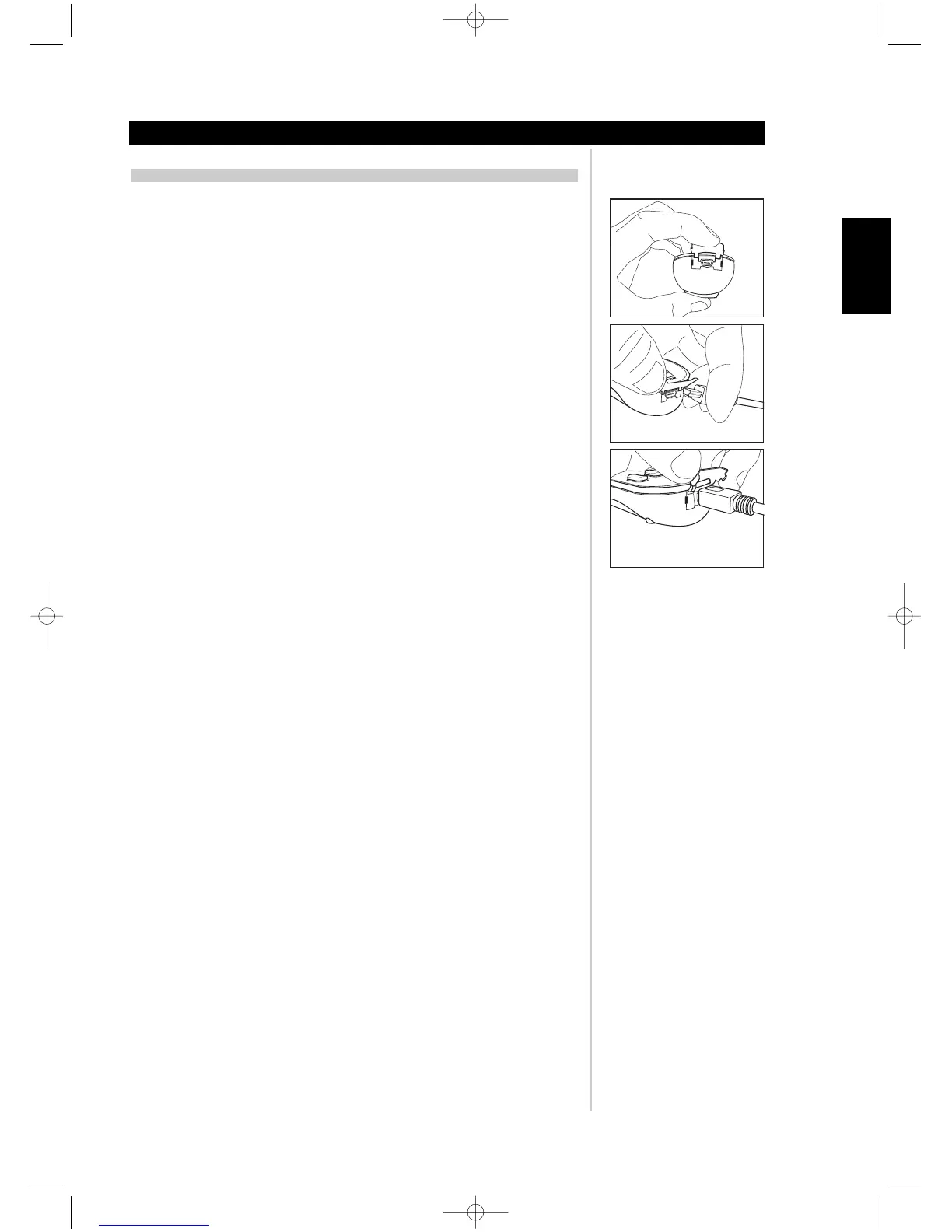
USB INTERFACE
The HTRM allows one to upload and download the configuration through a Windows PC and
NAD’s Proprietary HTRM programming software. See Figure 8 on how to connect an USB A
male to mini USB B male 5-pin cable to the HTRM.
NOTES: Please log onto www.nadelectronics.com for the latest HTRM interface control
software.
Use an USB A male to mini USB B male 5-pin cable between your Windows® PC and the
HTRM.
Your custom installer or dealer can assist you in the proper setup and configuration of the
mini USB interface and software.
The mini USB B male 5-pin cable is not supplied with the HTRM. Your custom installer or
dealer can assist you in the procurement of the USB A male to mini USB B male 5-pin cable.
Figure 8



 To Next Page