22
ENGLISH FRANÇAIS
DEUTSCH
NEDERLANDS
ESPAÑOL
ITALIANO
PORTUGUÊS
SVENSKA
REAR PANEL CONNECTIONS AND CONTROLS
WARNING!
Make all connections to your M15 surround sound preamplifier with the unit powered off and
unplugged from the AC power. Furthermore, unplug all auxiliary components' AC power
before making or breaking any signal connections.
1. COMPONENT VIDEO IN (YUV): Connect inputs to component-video signal or wide-band
component video from a source component such as a DVD-player or HDTV satellite/cable
box. Be sure to observe consistency in connecting the Y, C
B
/P
B
, and C
R
/P
R
jacks to the
corresponding sources/inputs. COMPONENT VIDEO IN may be configured via the M15's
OSD menu.
2. S-VIDEO IN: Connect S-Video inputs DVD, SAT, VCR, VIDEO 4 through VIDEO 6 from
source components. Configuration of the S-Video inputs is through the M15's OSD menu.
3. S-VIDEO OUT: There are two S-Video record outputs, VCR and VIDEO 4. Connect to S-
Video record inputs of recording components.
4. COMPOSITE VIDEO IN (CVBS): Connect to composite video inputs DVD, SAT, VCR,
VIDEO 4 through VIDEO 6 to composite video from the source components.
Configuration of the video inputs is through the M15's OSD menu.
5.COMPOSITE VIDEO OUT (CVBS): There are two composite video record outputs, VCR and
VIDEO 4. Connect to composite-video record-inputs of recording components.
6. MONITOR OUT (video out): All video inputs (CVBS, S-Video, YUV) are available from
these outputs. You can connect either of these outputs to your monitor/HDTV. CVBS video
and S-Video inputs up-converts to YUV video out. Configuration of the MONITOR OUT
video is through the M15's OSD menu.
Note: The OSD is not available on the HDMI OUT output
Both S-Video and composite video inputs are format converted to both the Component
video outputs. Selection of the format is through the M15's OSD menu.
The DIRECT COMPONENT VIDEO OUT is a direct pass-through component video
signal without the M15's OSD.
NAD recommends that one connects the DIRECT COMPONENT VIDEO OUT YUV to
your monitor for NTSC (North American) video formats 480p/720p/1080i, and PAL
(European) video formats 576p/720p/1080i.
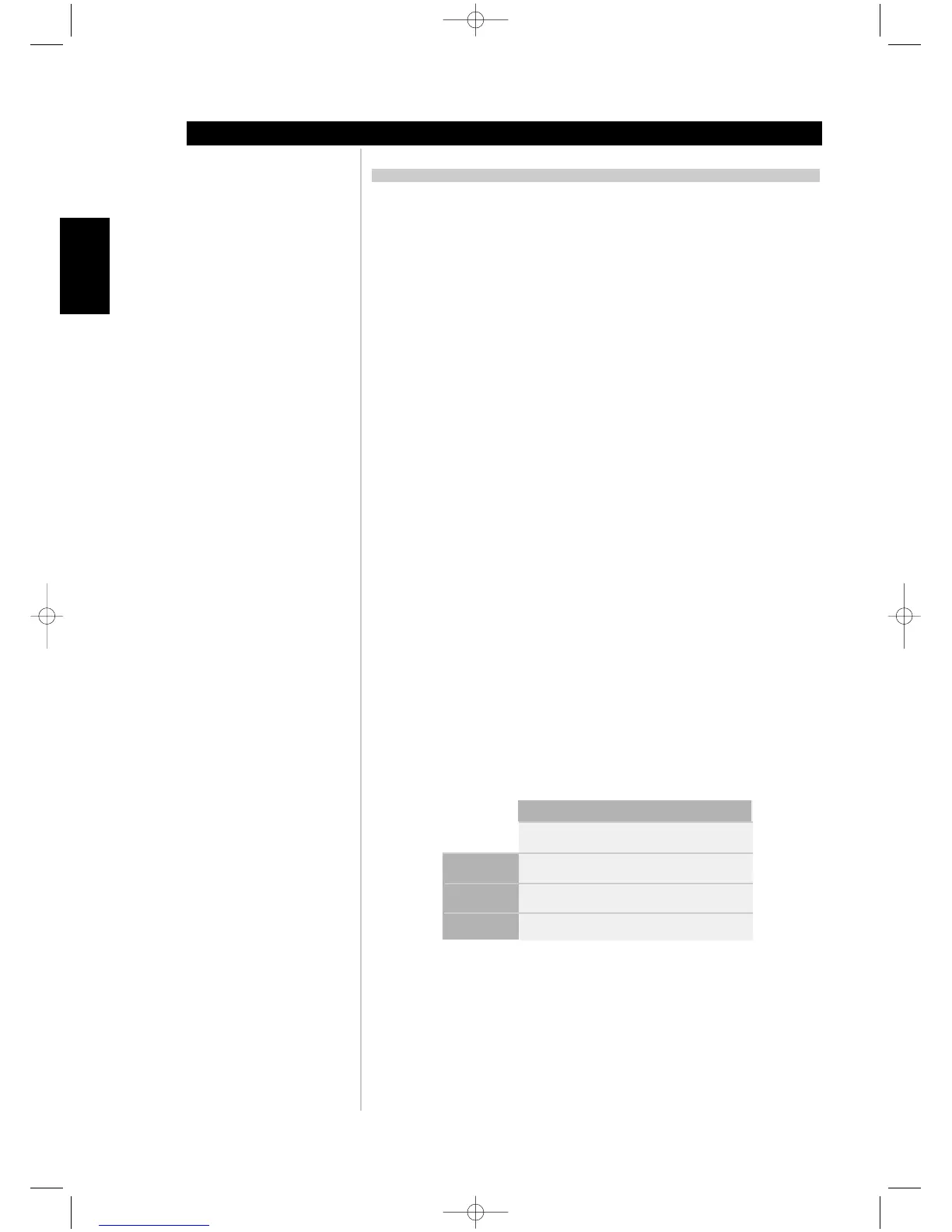
M15 VIDEO SWITCHING LOGIC
The M15 was optimized for Component Video (YUV) output. Composite (CVBS) and S-Video
(SV) sources may be viewed in their native format or via the Component Video (YUV) output.
Note: Monitor type selection is limited to a valid input signal type selected.
ABOUT THE M15
Identification of controls
Monitor Type Monitor Type Monitor Type
YUV Output S-Video Output CVBS Output
CVBS Input YES NO YES
S-Video Input YES YES NO
YUV Input YES NO NO



 To Next Page