28
THX/SPEAKER SETUP
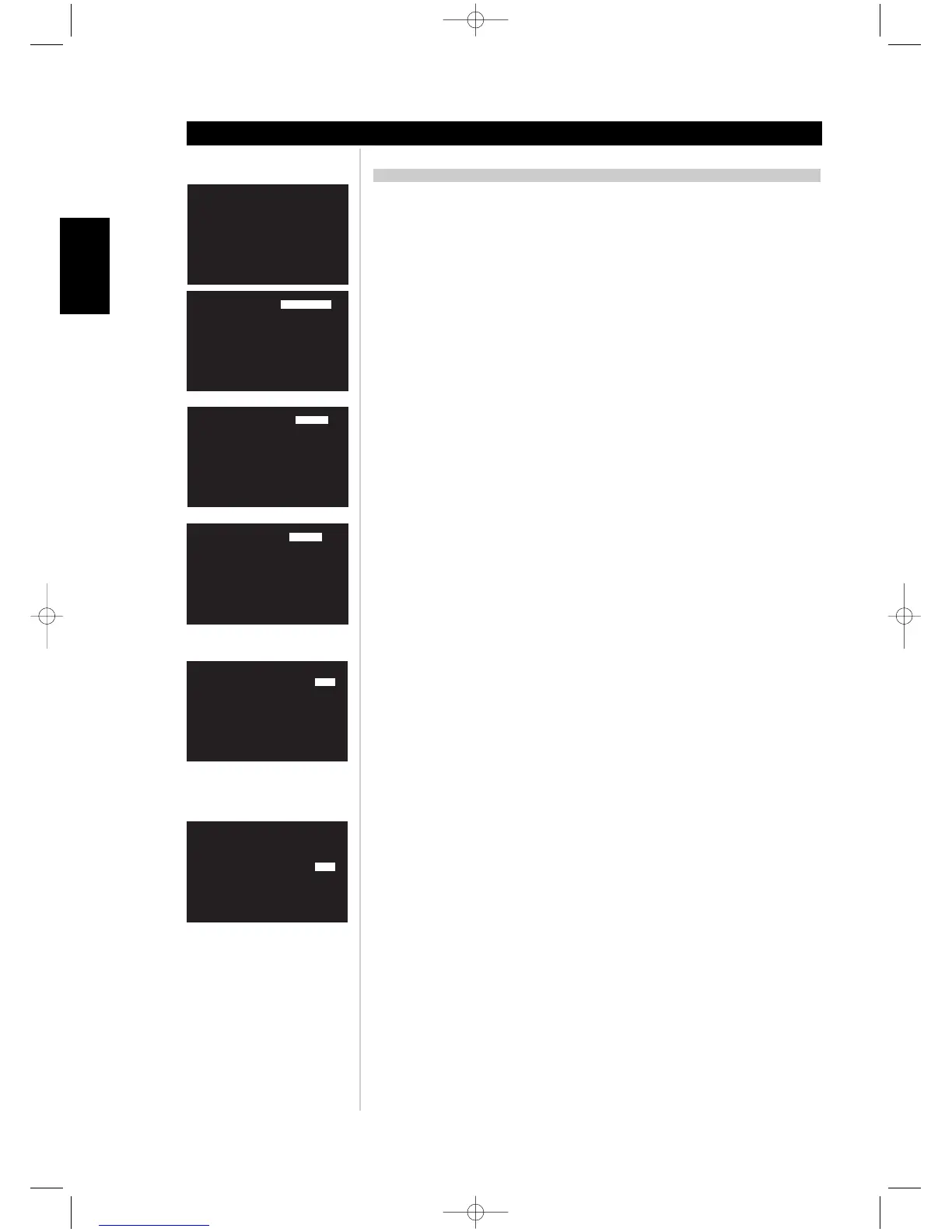
THX/SPEAKER SYSTEM
The following are your speaker selection options for the speaker size and filters. Press ENTER
on the HTRM to save the speaker settings:
• FRONT L+R; SMALL (THX) or LARGE
• CENTER; SMALL (THX), LARGE, or NONE.
• SURROUND; 1 SMALL LEFT (mono left channel out), 2 SMALL (THX), 1 LARGE LEFT
(mono left channel out), 2 LARGE, or NONE.
• SURR BACK (Surround Back); 1 SMALL LEFT (mono left channel out), 2 SMALL (THX), 1
LARGE LEFT (mono left channel out), 2 LARGE, or NONE.
• SUBWOOFER; 1,1 SMALL (THX), 2, 2 SMALL (THX), or NONE.
• LR + LFE XOVER (Front Left and Right channel and the LFE); 60Hz, 70Hz, THX 80Hz,
90Hz, 100Hz, 110Hz, 120Hz
• CENTER XOVER; 60Hz, 70Hz, THX 80Hz, 90Hz, 100Hz, 110Hz, 120Hz
• SURR XOVER (Surround Channels Crossover frequency); 60Hz, 70Hz, THX 80Hz, 90Hz,
100Hz, 110Hz, 120Hz
• BASS FILTER (Crossover Frequency Slope); THX or 2ND ORDER
SPEAKER LEVEL
All speaker levels are adjustable from -12dB to +12dB. Press ENTER on the HTRM to save the
level settings
SPEAKER DISTANCE
All speaker distances from the central listening point are adjustable from 0ft to 22ft (0m to
6.7m). Press ENTER on the HTRM to save the distance settings.
The speaker distance will be shown in either units feet or metres.
Note: If inappropriate speaker delays are set, a warning will display indicating too much
time offset between Left and Right channels. The following warring will display;
“** error! L/R delay > 2ms”
THX ULTRA2
Set the subwoofer BOUNDARY GAIN COMPENSATION to ON or OFF depending on
whether you have one or two THX ULTRA2 subwoofers in close proximity to vertical surfaces.
If a listener is sitting too close to a vertical surface their perception of the low frequencies is
perceived as exaggerated. However, with The Boundary Gain Compensation filter applied to
all output channels, the bass is equalized resulting in a flatter, more accurate bass response.
Press ENTER on the HTRM to save the boundary gain settings.
Note: Boundary Gain Compensation is only available for THX ULTRA2 subwoofer
selections.
DISTANCE BETWEEN SBL+SBR SPEAKERS
When you select two surround back speakers, set the distance between the two speakers in
between 0ft to 22ft (0m to 6.7m). This setting will give correct spacial effect of the rear
channels during THX Cinema, THX Surround EX, THX Music, and THX ULTRA2 decoding.
Press ENTER on the HTRM to save the distance settings.
USING THE M15
Setup
ENGLISH FRANÇAIS
DEUTSCH
NEDERLANDS
ESPAÑOL
ITALIANO
PORTUGUÊS
SVENSKA



 To Next Page