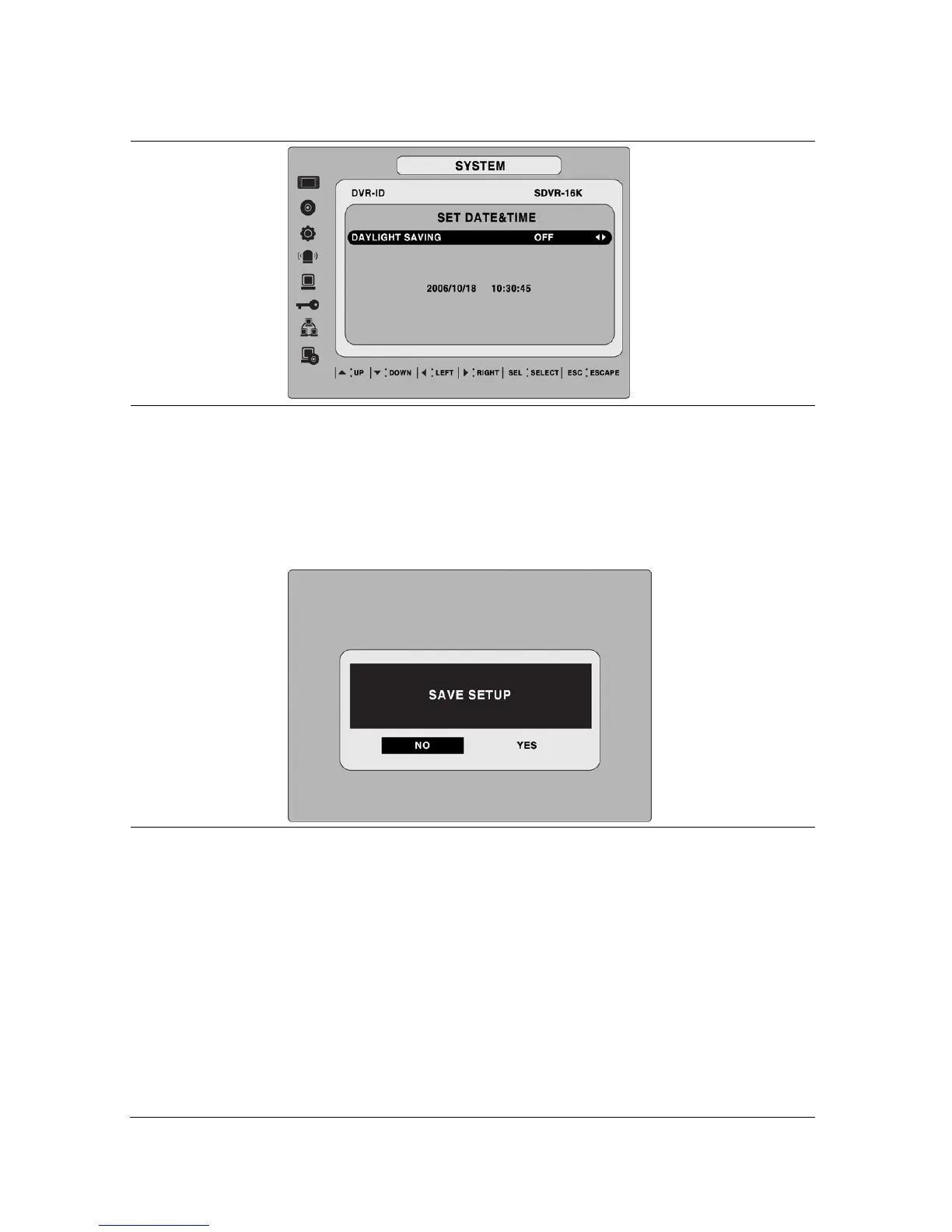
DATE & TIME
Set the present date and time for the DVR. Press SEL, then use the
LEFT and RIGHT arrow controls to navigate through the position of each
alphanumeric character in the date and time. Use the UP and DOWN
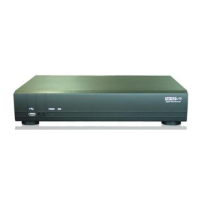
arrow controls to change the selected character. Press ESC and select
YES to confirm the new date and time.
DAY LIGHT SAVING
Set the DLS (Daylight Saving) for the area.
The options are:
USA
EU
Others
OFF.
1. USA (DLS time is applied automatically when being on the DLS
time zone and is displayed on the current time)
2. EU (Set the GMT area for DLS time apply on the current time)
- GMT AREA +00:00
33


 To Next Page