16
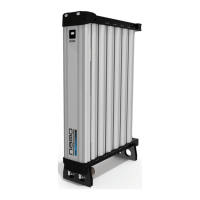
heatless desiccant air dryer
D3
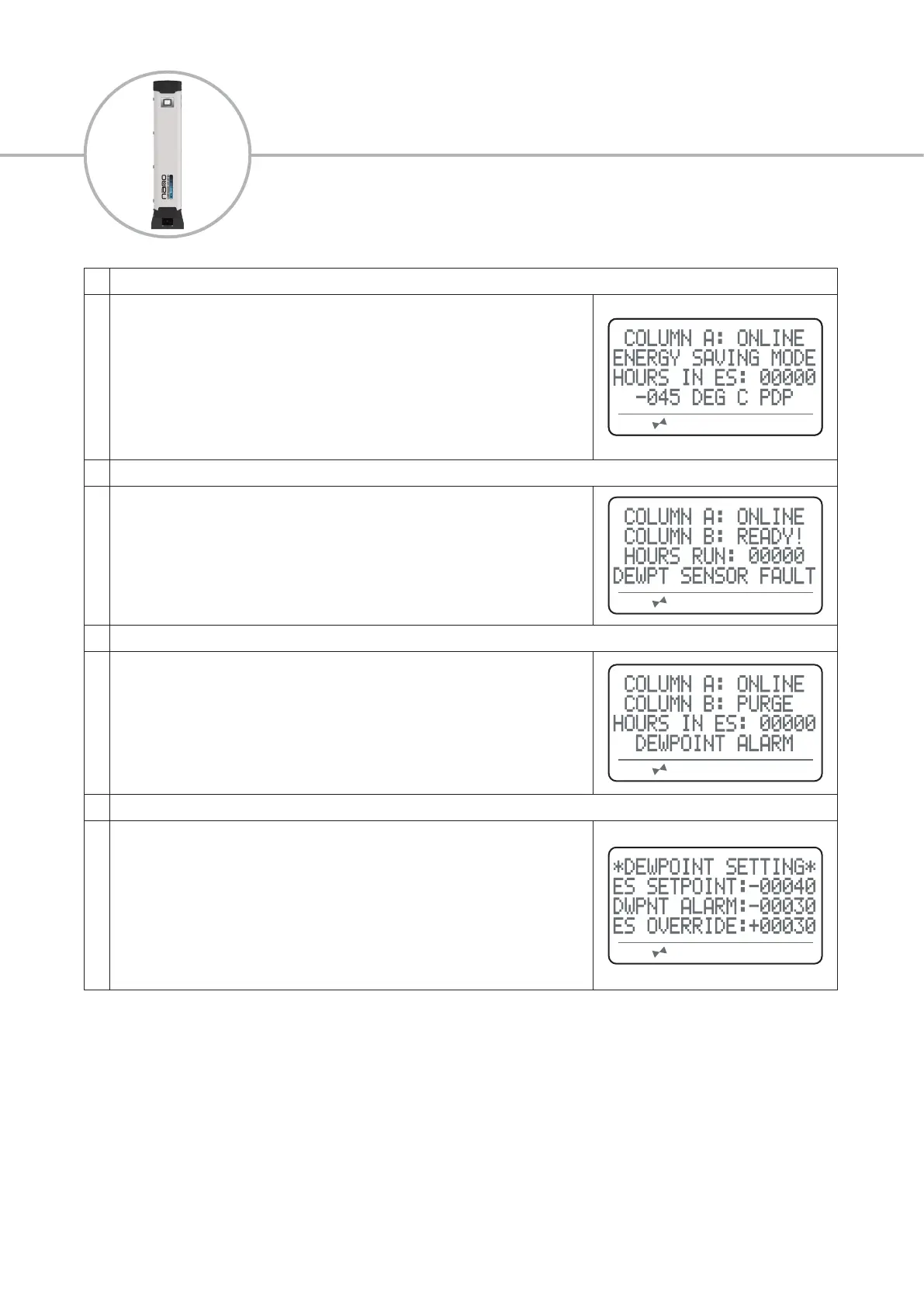
5 Energy Saving Mode Active Display (ES Models)
While energy saving mode is active the screen will display:
• Column ‘A’ status and Column ‘B’ status, this will be shown as;
• ONLINE; this column is owing
• ‘ENERGY SAVING MODE’
• Hours the dryer has run between services/hours in ES mode
•
Constantly updated dew-point reading, this can be displayed in either
degrees celcius or degrees fahrenheit.
6 Dew-point Sensor Fault Display (ES Models)
If a fault occurs with the dew-point sensor or the connection to the dew-point
sensor, the screen will display;
• Column ‘A’ status and Column ‘B’ status
• Hours the dryer has run between services/hours in ES mode
• ‘DEWPT SENSOR FAULT’
7 Dew-point Alarm Display (ES Models)
If the dew-point sensor reading falls below the desired alarm limit the screen will
display;
• Column ‘A’ status and Column ‘B’ status
• Hours the dryer has run between services/hours in ES mode
• ‘DEWPOINT ALARM’
8 Energy Savings Adjustment Display (ES Models)
When adjusting the ES set-point the screen will display;
‘ES SETPOINT’ - This is the point at which the dryer activates ES mode. If the
dewpoint is less than the ES set-point, ES mode activates. If the dewpoint is
greater than the ES set-point, ES mode deactivates.
‘DWPNT ALARM’ - this is the point that the dryer will activate the dewpoint alarm
and remote alarms.
‘ES OVERRIDE’ This is the maximum time in minutes that ES mode is continuously
active before the dryer switches columns and performs a regeneration cycle.


 To Next Page