W415-1285 / A / 11.03.14
35
EN
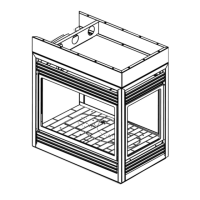
6.2 END SAFETY SCREEN REMOVAL / INSTALLATION (BHD4P ONLY)
A. Remove the 4 securing screws from the top and bottom of the end screen retainer, refer to Figure 1.
B. Pull the screen forward and out from the unit, refer to Figure 2.
FIG. 1
NOTE: A side screen must be removed prior to end screen removal, see "SIDE SCREEN REMOVAL" section.
FIG. 2


 To Next Page