W415-1285 / A / 11.03.14
37
EN
PANEL COVER
CONTROL
PANEL COVER
6.4 CONTROL PANEL REMOVAL
A. Remove screen, see "SIDE SCREEN REMOVAL" section.
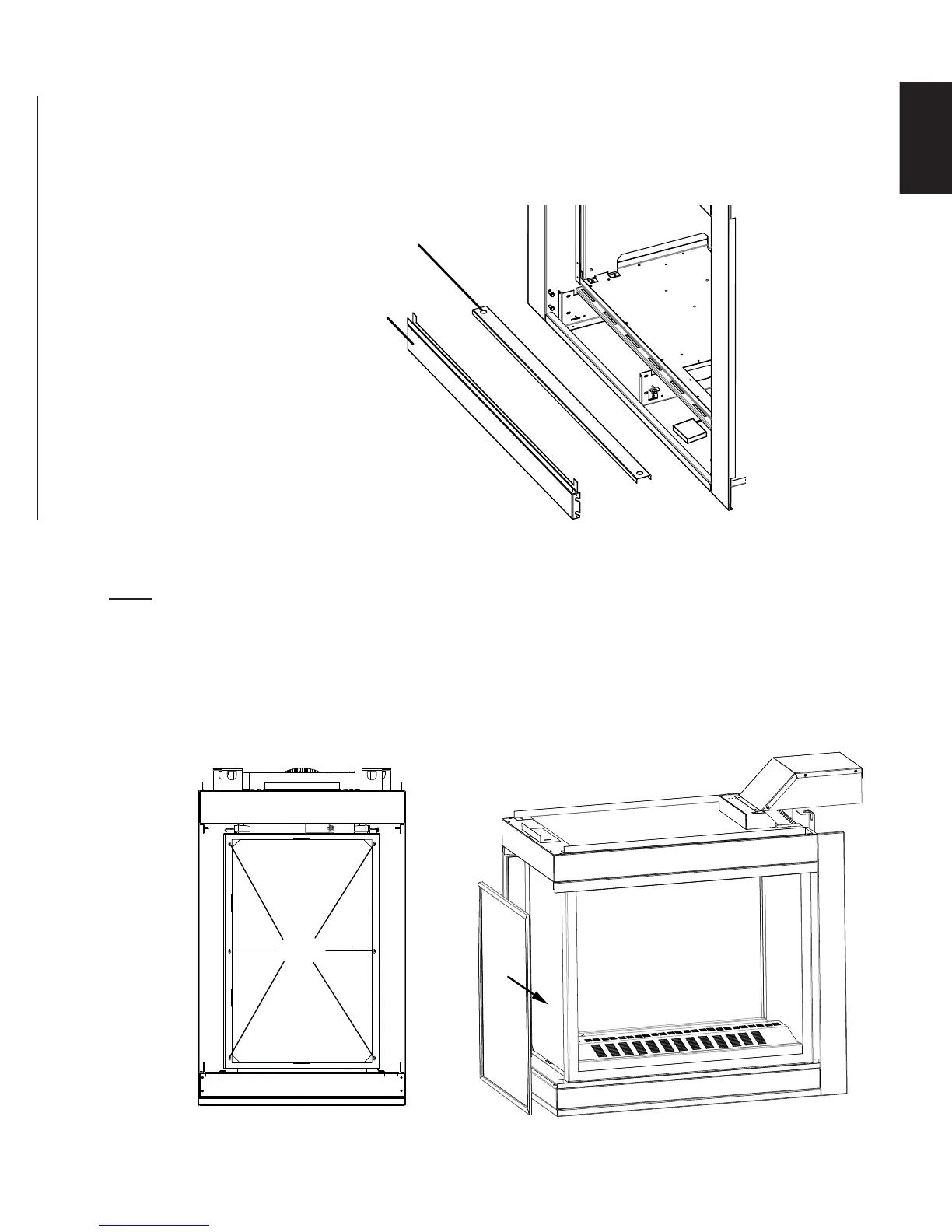
B. Remove the panel cover using the two fi ner holes, lift it up and away from the appliance, as shown below.
C. Remove the control panel cover by lifting it up and off of the four shoulder screws, as shown below.
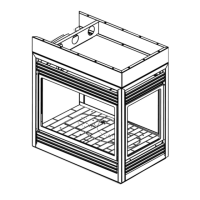
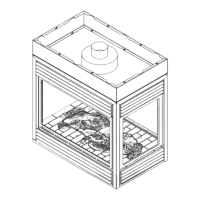
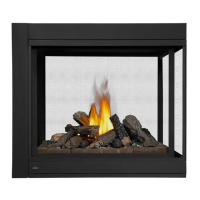
6.5 END DOOR REMOVAL / INSTALLATION (BHD4P ONLY)
A. Remove the main doors from the appliance, refer to the "DOOR REMOVAL/INSTALLATION" section.
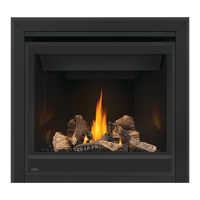
B. Remove the 6 screws securing the end door in place, as shown below. Ensure to keep one hand on
the door, from the inside of the appliance, at all times to prevent it from falling.
C. Tilt the door from the top downwards and carefully remove it from the appliance.
D. To install the end door, reverse these steps.
6 screws
NOTE: Screens must be removed prior to the end door removal, refer to "SIDE AND END SCREEN
REMOVAL / INSTALLATION" section.


 To Next Page