Uninstalling USB-OC 8-1
8 – Uninstalling USB-OC
8.1 Uninstalling driver for
USB-OC
It is possible to remove the USB-OC driver from the PC according to the
following procedure:
The following procedure shows how to remove the driver in Windows
XP environment. It may be different depending on the operating
system in use.
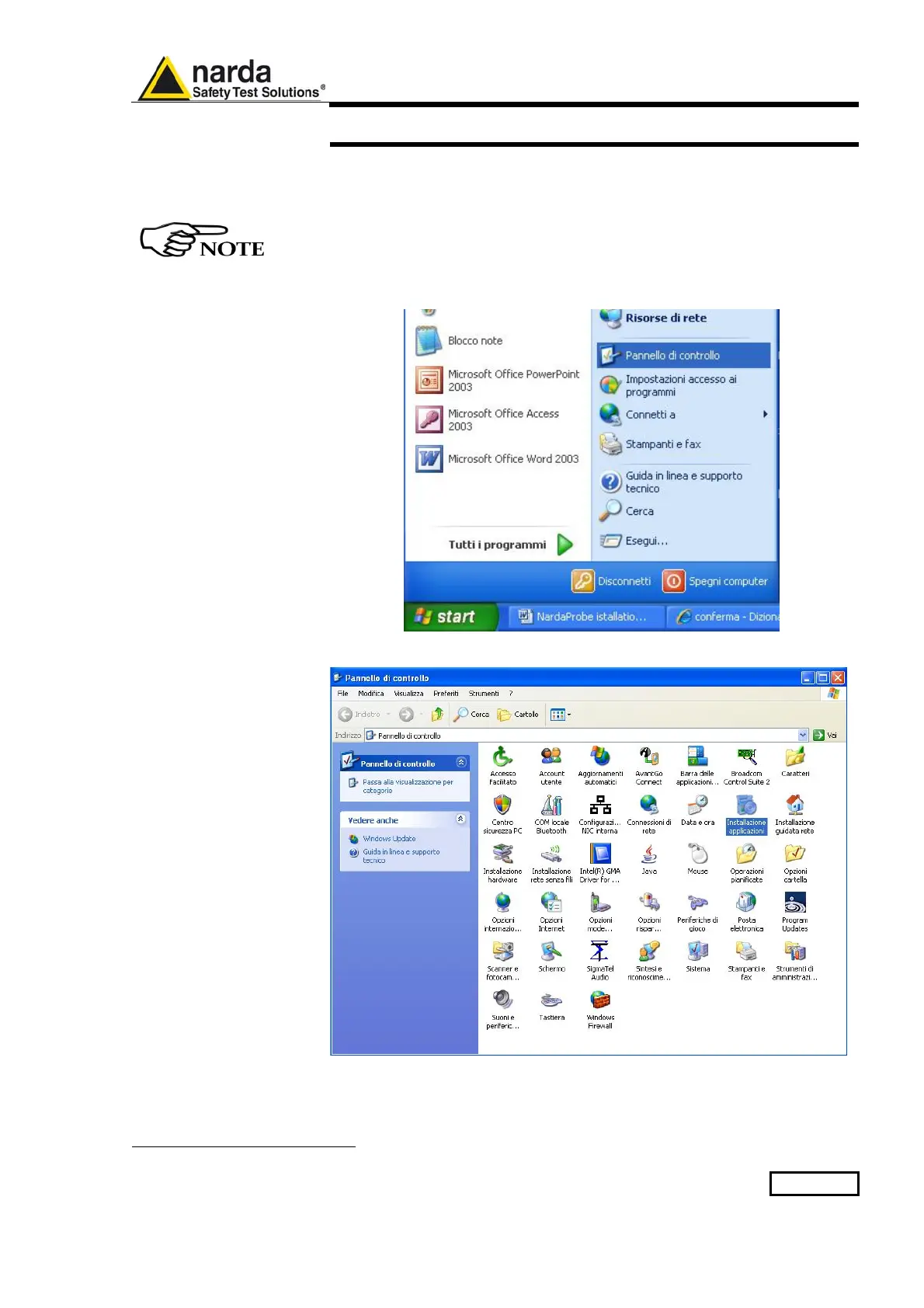
Open the Windows Control Panel.
Double click “Application Installation”.
1
Document EHP50GEN-81007-1.71 - © NARDA 2018



 To Next Page