NV10LT/NV7.5LT INSTALLATION MANUAL INSTALLING THE RF FEED CABLE
PAGE 2.6.2 VERSION 5.0 2021-03-01
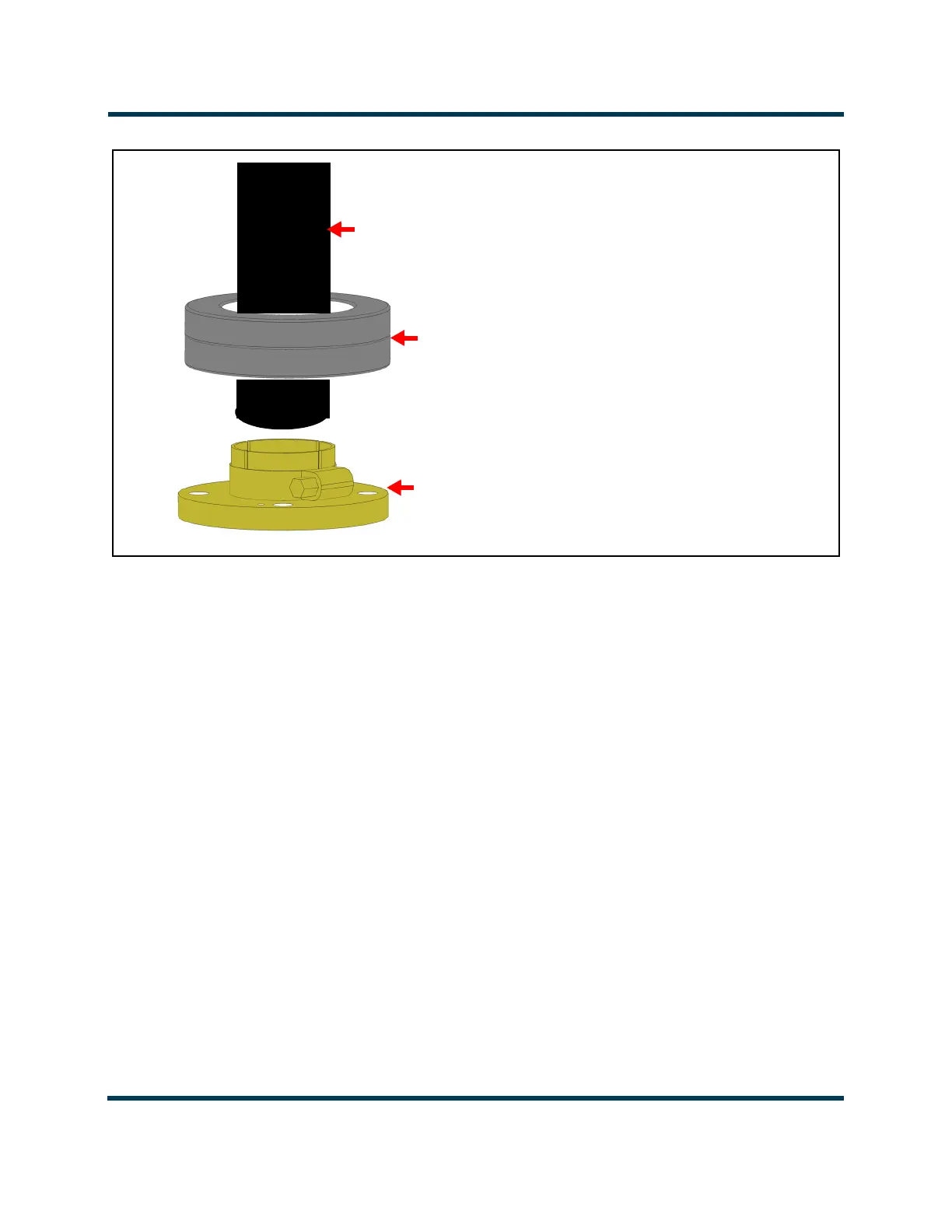
Figure 2.6.1: Passing RF feed cable through ferrite toroids
7. Locate and remove the hardware (nuts, split washers and flat washers) from the output stud plate
on the top of the transmitter RF output connector. The size of the hardware depends on the size of
the RF output connector (5/16 hardware for 1-5/8 and 7/8 output; 3/8 inch hardware for 3-1/8
output).
8. Carefully install the RF feed cable's EIA flange connector on the RF connector’s flange-mounting
studs. Ensure its bullet mates with the rigidly mounted cup connector inside the RF output
connector and the alignment pin of the flange lines up with the clearance hole in the stud plate.
Ensuring the bullet has a tight fit to minimize overheating. Secure using attaching hardware
removed in Step 7. Ensure nuts are firmly tightened.
9.
RF feed cable
Ferrite Toroids
Use two LP23 for 1-5/8 and 7/8 inch cable
Use two LP32 for 3-1/8 inch cable
Field Flange
Install ferrite toroids
on feed cable before
installing



 To Next Page