VX3 TO VX6 INSTALLATION MANUAL COMMISSIONING
PAGE 1.11.6 VERSION 1.0 2023-08-16
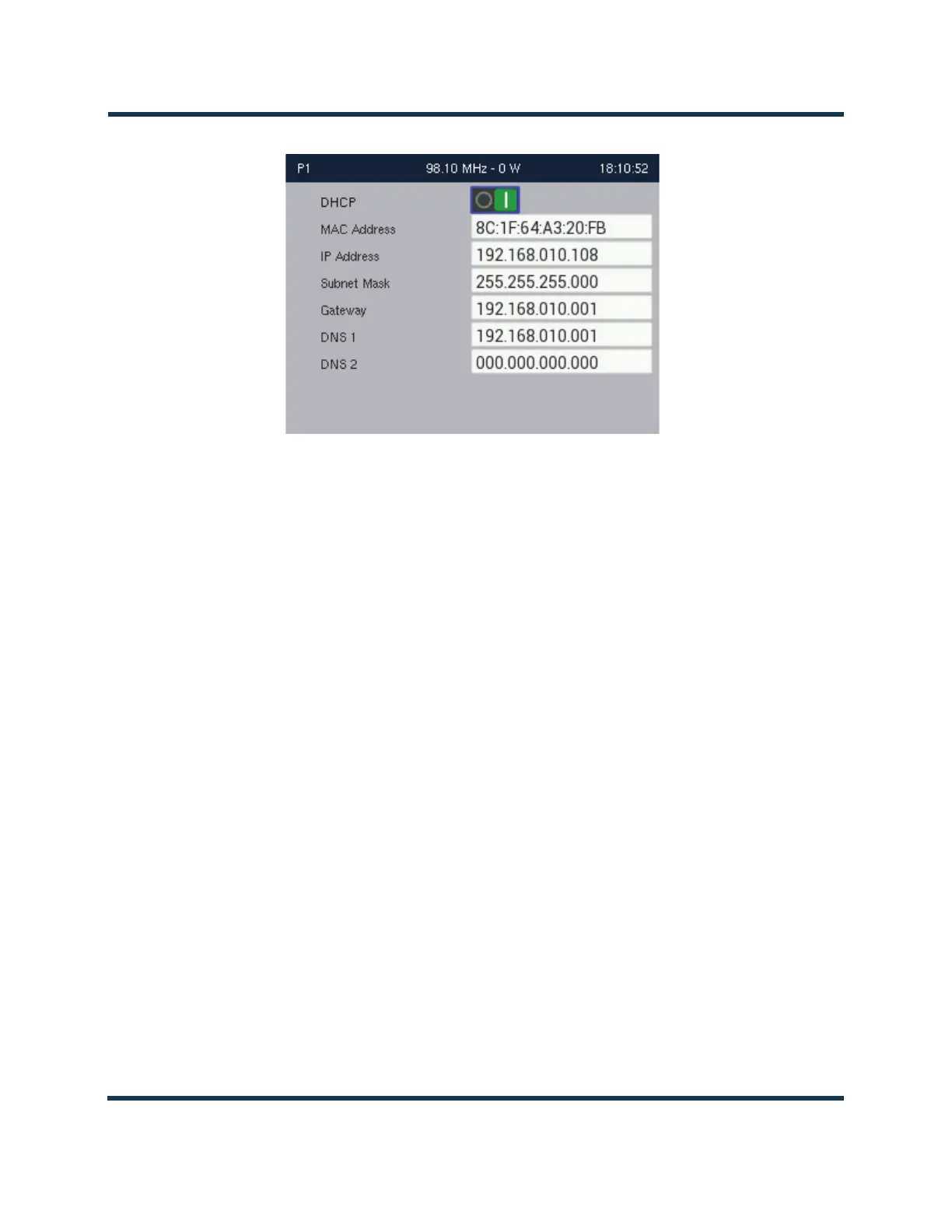
Figure 1.11.1: Network Settings screen
MAC Address: Set during factory testing; cannot be modified
DHCP or Static IP: Set to DHCP if your network has a DHCP server. Automatically assigns IP, netmask,
gateway and nameservers. Set to Static IP if you do not have a DHCP server or if you wish to assign
static addresses.
IP Address: Specify the IP address. Consult with your network administrator.
Gateway: Specify the gateway address. Consult with your network administrator.
Nameserver: Specify a nameserver (or DNS) to enable the use of host names. If no nameserver is
entered, only direct IP addresses can be used to configure the email server and any live streams such
as Shoutcast.
All IP addresses shown are for reference purposes only



 To Next Page