NComputing L-Series User Manual rev.05.07.12
Page 25 of 95
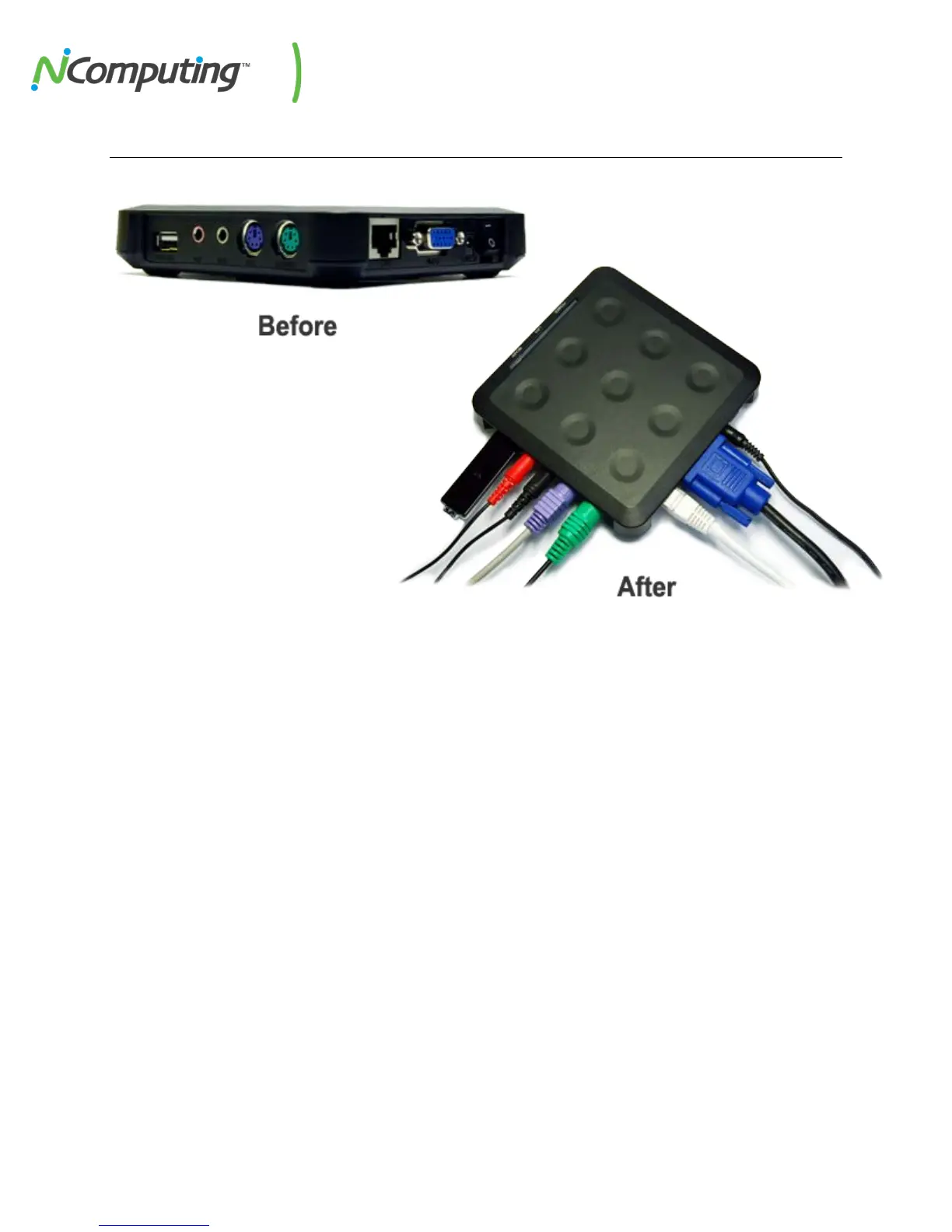
L130 and L230 Device Setup
The access device must be connected via Ethernet to the host PC. This can be done using an
Ethernet switch, a router, or some other network connection method.
Network connection
If the network is configured to use DHCP to get dynamic IP addresses, you can set up the
access device to use it. Turn on the access devices and once you see the main screen select
the "Options" button, and then select the “Setup” button.


 To Next Page