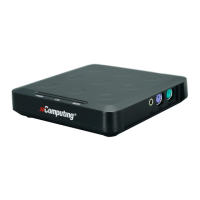
NComputing L-Series User Manual rev.05.07.12
Page 83 of 95
Screen Resolution
Sets the screen resolution and color depth to be used by the device once it
connects to a host. Note that for the M-series, all three clients in an M-series kit
share the same resolution and color depth settings.
Vertical Refresh
Rate
Sets the vertical refresh rate (in Hz) to be used by the device.
Sleep If Idle For
Instructs the device how long to wait before turning off its video signal (thereby
allowing the monitor to enter its built-in screen saver mode).
Enable Automatic
Login
Instructs the device to use a specific user name and password when it connects to
a host. When enabled, the credentials will be entered automatically, allowing for a
swift login. Specify the user credentials in the fields below this option.
Kiosk Mode
Instructs the device to immediately launch a specific application on login, instead
of providing the standard Windows desktop experience.
Program The name of the executable or object to be launched on startup
The path to the file to be executed


 To Next Page