Chapter 5: Service and Repair 5-5
Servicing the Touch Screen Module
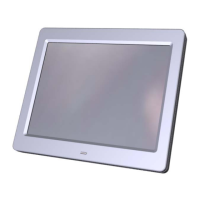
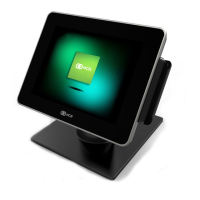
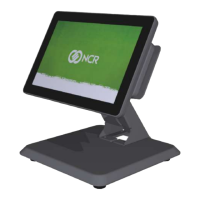
This section provides detailed instructions on how to completely
disassemble the NCR 5964 LCD Display.
Touch Screen Cleaning Procedures
1. Spray an ammonia-based glass cleaner on a soft cloth and gently
wipe the touch screen clean.
Warning: Do not use any other types of cleaners such as vinegar,
solvents, or degreasers. These can damage the screen.
2. Wipe the screen and edges dry.
3. Make sure the glass and screen edges dry completely before using
the unit.
MSR Cleaning Cards
Part Part Number
MSR Cleaning Card, Dry 998-0052929
MSR Cleaning Card, Wet 603-9004998



 To Next Page