NEC America, Inc. Issue 1
D
term
Cordless Lite
Owner’s Manual 4 - 7
Switching Between the
D
term
Cordless Lite
and the
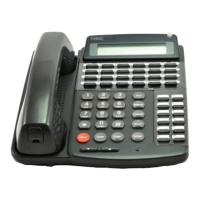
Multiline Terminal
When the
D
term
Cordless Lite
is associated with a Multiline
Terminal the following is applicable:
Switching between
cordless
and
desk
mode must be
done while
both
terminals are idle.
A call in progress
cannot
be switched between the
D
term
Cordless Lite
and the associated Multiline Terminal.
Switching held calls between the
D
term
Cordless Lite
and
the associated Multiline Terminal is not recommended
since line key LED indications will not be provided.
Use the base unit on the
D
term
Cordless Lite
to switch
between the
D
term
Cordless Lite
and the Multiline Terminal.
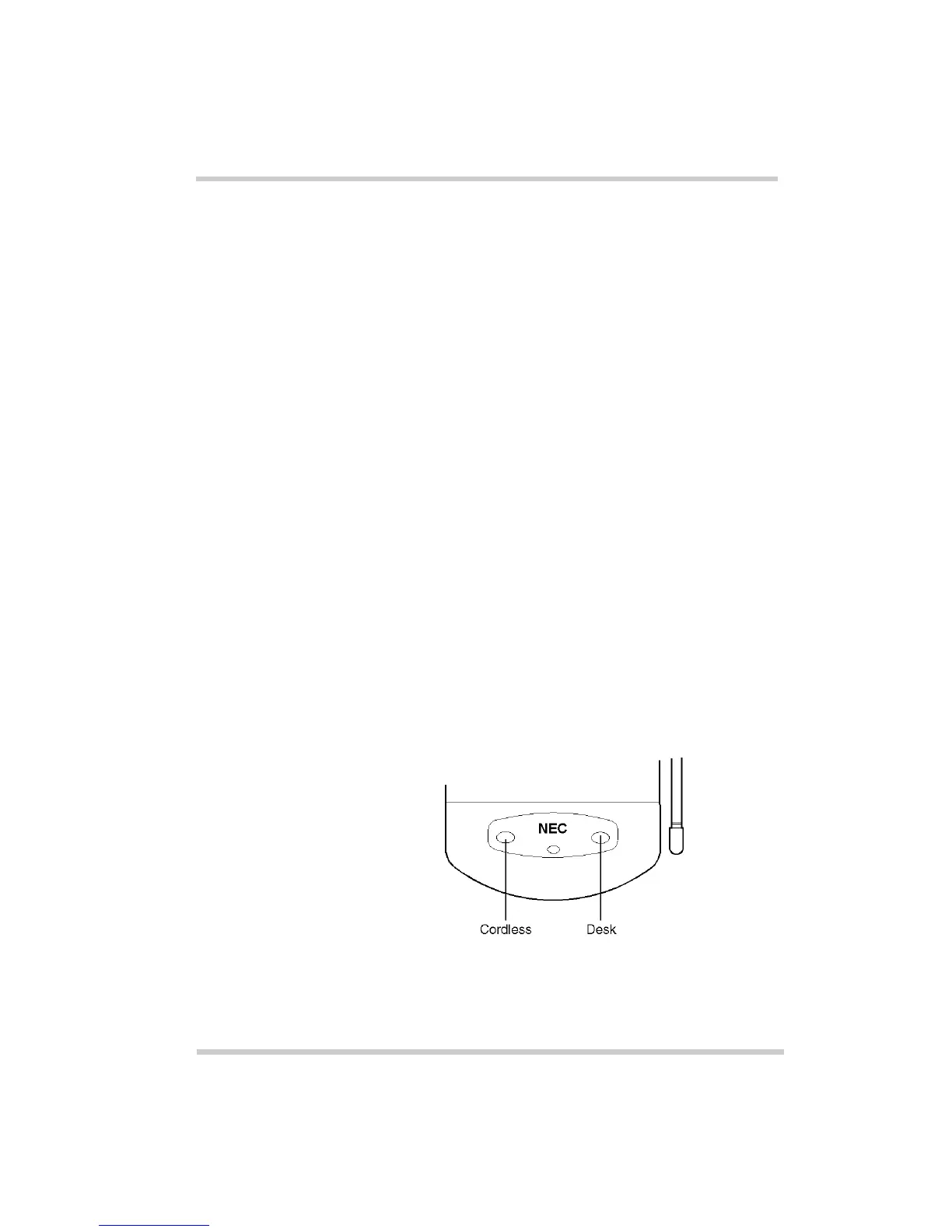
Press
Cordless
to select the
D
term
Cordless Lite
.
-OR-
Press
Desk
to select the Multiline Terminal. (Refer to Figure
4-5 Cordless and Desk Buttons.)
Note:
The
D
term
Cordless Lite
display indicates “DESK
TEL” when the Multiline Terminal is connected.
Figure 4-5 Cordless and Desk Buttons



 To Next Page