Issue 1 NEC America, Inc.
4 - 8 Dterm Cordless Handset
Completing a Call using the NEC Digital Multiline
Terminal
When a call is completed, hang up the host telephone.
S
ECTION
5
M
AKING
A
C
ALL
U
SING
THE
D
term
Cordless Lite
Several advanced features for making calls are available
depending on how the deskset is programmed. Refer to
Section 6 Dedicated Feature Operations. This section
describes normal call handling.
Making a Normal Call
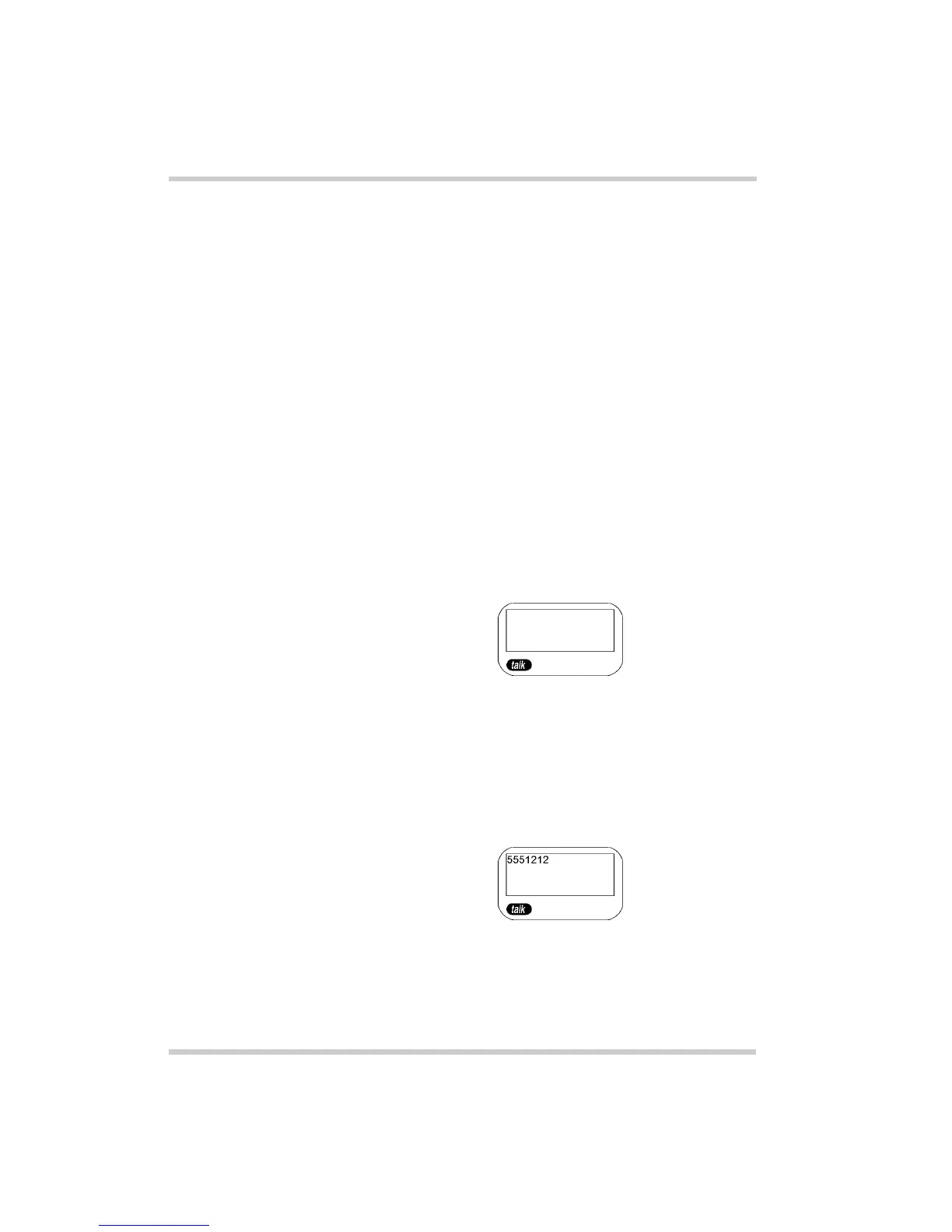
1. Remove the handset from the charging unit.
2. Press the
talk
key. The talk icon appears after the
handset and base unit are connected.
-OR-
Press the designated function key (programmed as a
line key). When dial tone is heard, enter the number to
be called. The display shows the dialed telephone
number.



 To Next Page