Issue 1 NEC America, Inc.
4 - 12 Dterm Cordless Handset
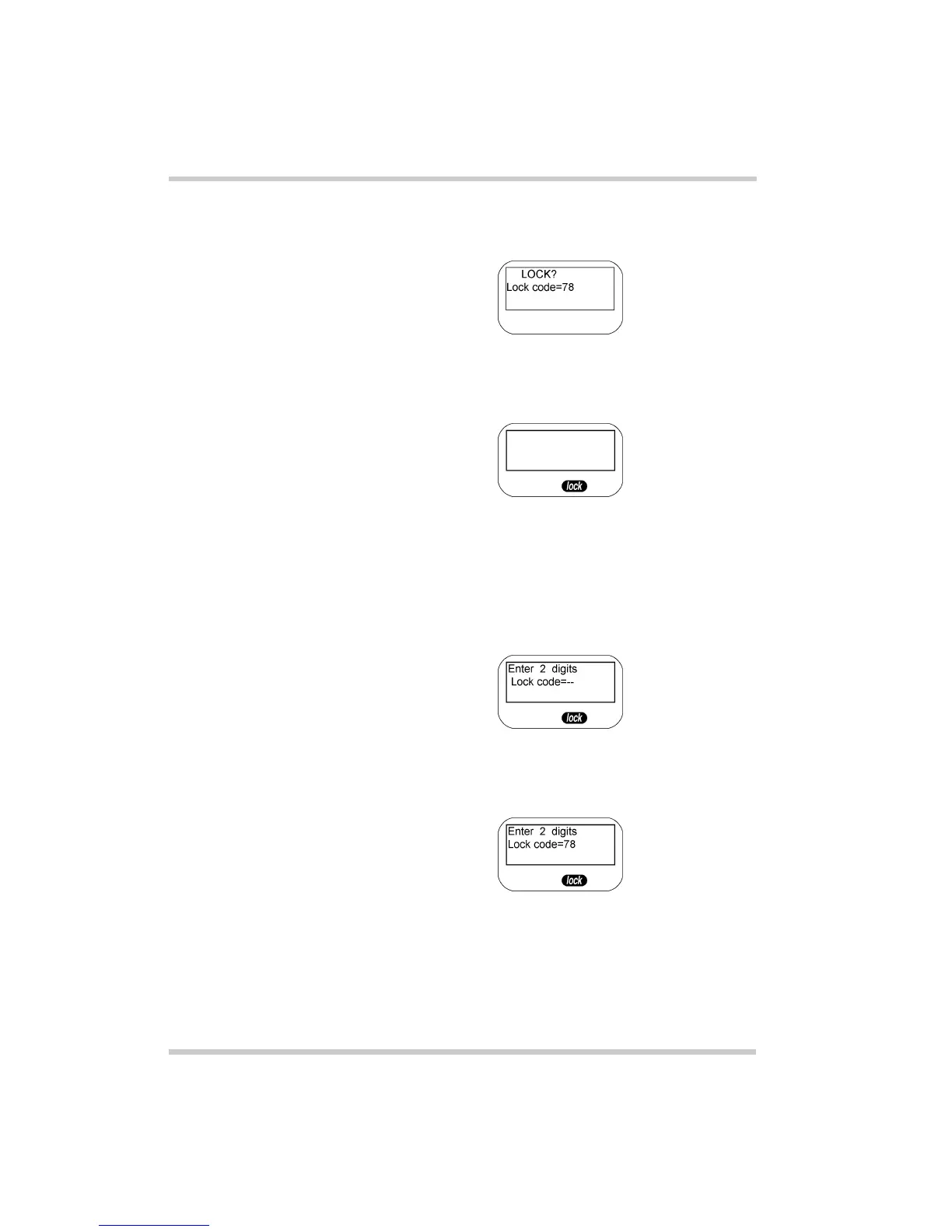
3. Press
chan
again. The LCD displays “Lock?”, and
prompts the user to continue.
4. Press the
chan
key again to confirm the entry. The
display is blank and the lock icon is displayed.
Unlocking the Keypad
1. Press and hold the
chan
key for one second while in
standby mode. A code input and the lock icon appear in
the display.
2. Enter the 2-digit number used to lock the telephone.
The code appears in the display.



 To Next Page