- 18-
Logout
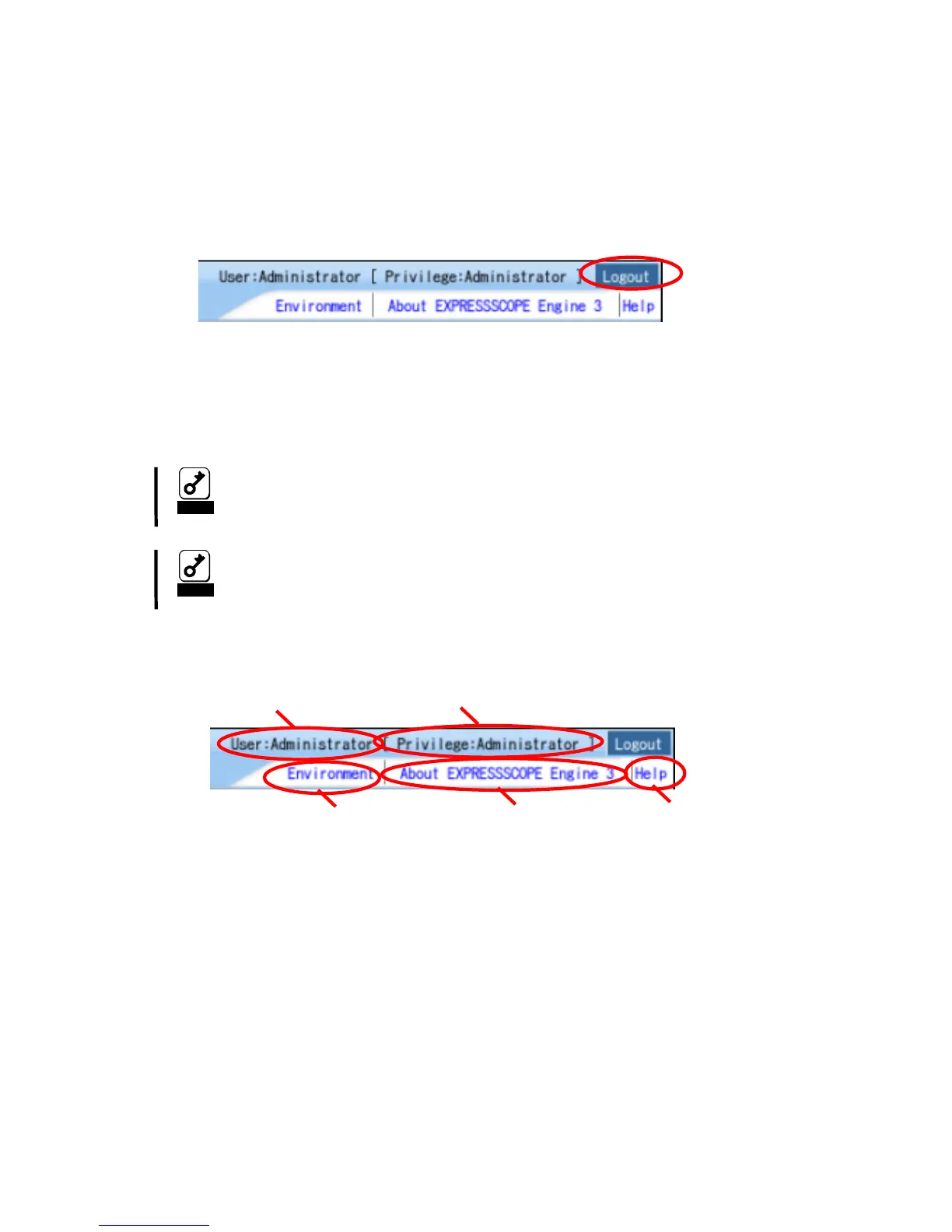
Click “Logout” in the upper right corner of the window. When a confirmation dialog appears,
click [OK] to log out.
After you log out, you return to the login page. Besides, all the remote device windows that
were opened during login will be closed.
Notice
If the browser is slow during login procedure, please restart your
brower or logout.
Notice
If the BMC becomes high loaded, BMC will be restarted very rare for
recovery. In this case, an existing connection will be disconnected,
so, please re-connect again.
HEADER MENU
5
21
3
4
1. Login user name is displayed.
2. Login user’s privilege is displayed.
3. The environment of management PC is displayed, and set by clicking "Environment"..
4. License information is displayed.
5. The online help is displayed.



 To Next Page