39
Configure SIP Account
To register a SIP account, users can access phone's LCD menuSettingsAdvancedAccount
settings
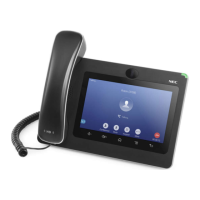
Or users could log in the ITX-3370 Web GUIAccount page to fill in the necessary registration information,
i.e., Account active, Account name, SIP Server, SIP User ID, SIP Authentic ID, SIP Authentic Password,
etc. Once the correct information is entered and saved, the account registration status will show on the
main screen.
Note:
For Web GUI login and configuration information, please refer to “IP phone GT890 Administration Guide”.
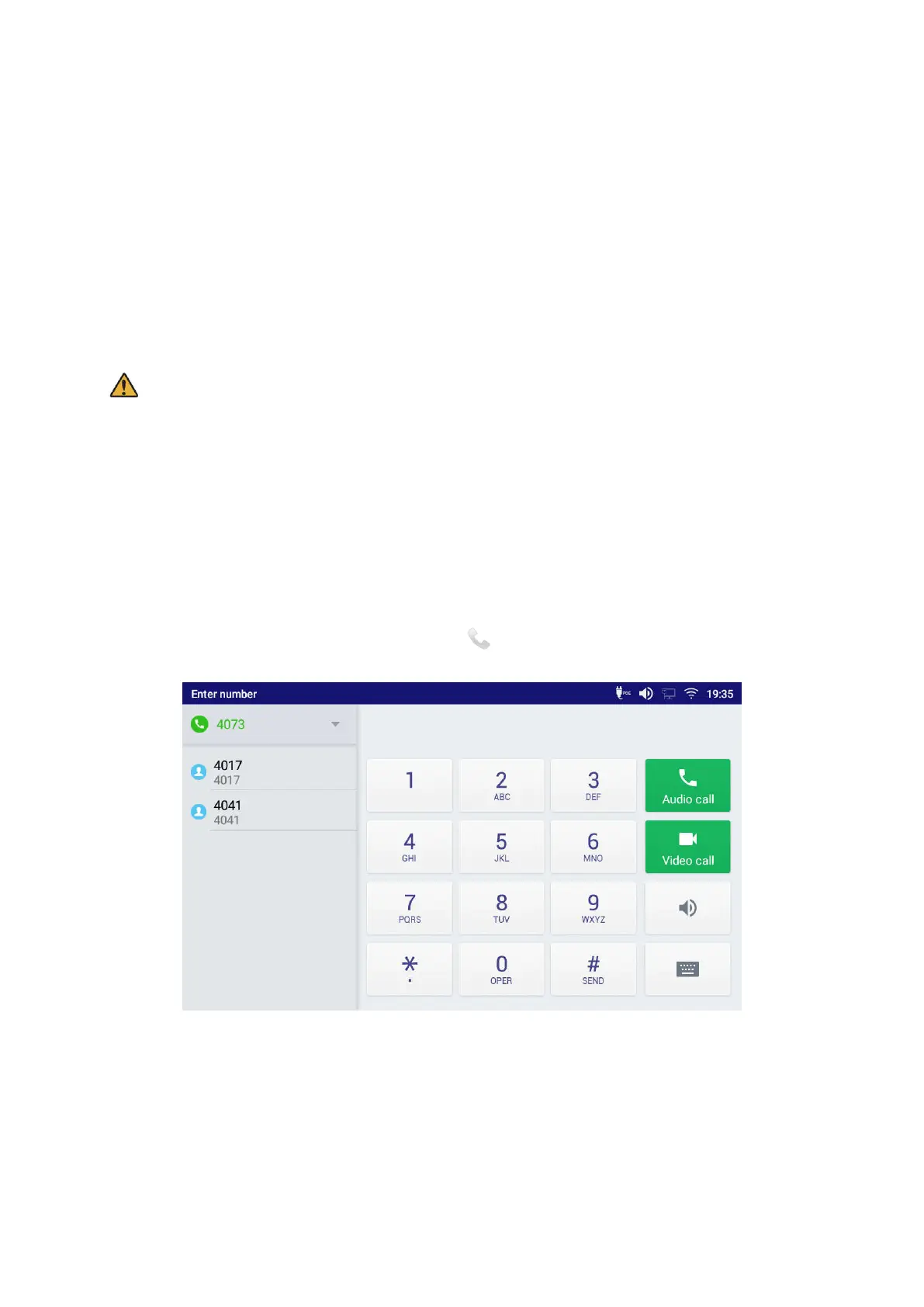
If the account is successfully registered, use one of the following ways to bring up the dial screen to start
making calls.
Take the handset off hook.
Select an account from the account widget in the idle screen.
On the shortcuts menu of the idle screen, tap on icon to open dial screen.
Figure 35: ITX-3370 Dial Screen
If Disable Video Call Feature option is enabled, the Video Call option on ITX-3370 dial screen won’t be
available




 To Next Page