64
Contact
The phone supports local Contacts.
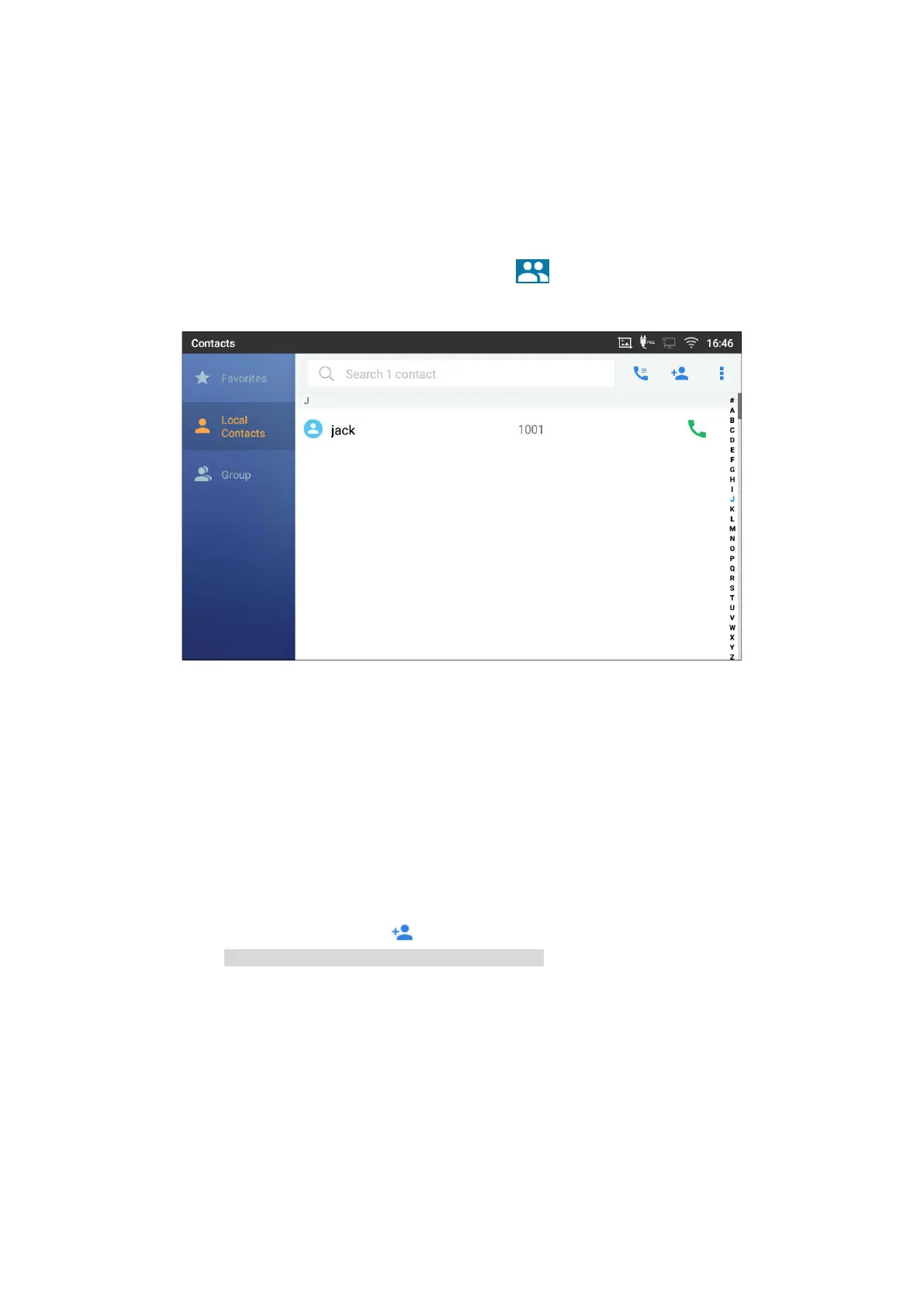
To access contacts, on the phone’s idle screen, tap on icon on the right panel. The following figure
shows Contacts.
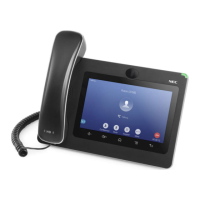
Figure 69: ITX-3370 Contacts
Local Contacts
The local contacts can save up to 1000 entries. Users can manage contacts by adding, deleting and
modifying single contacts, downloading contacts from HTTP/TFTP server, importing contacts from external
storage and exporting contacts to external storage.
Add Single Contacts
1. On the Local Contacts menu Tap on to bring up "Create Contact" dialog to manually add a new
contact. See
[Figure 70: ITX-3370 Contacts - Add New Contact]
.
2. Type First name, Last name, Phone number and other information for the new contacts. Please make
sure the account number field is selected so the phone will use this account to dial out the new contact.




 To Next Page