55
7-Way Conference
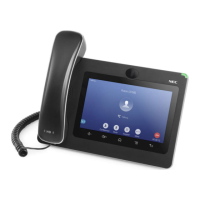
The ITX-3370 supports up to 7-way audio conferencing.
Initiate Conference
There are three ways to initiate a conference call.
Initiating conference from dial screen
1. Bring up the dial screen using one of the methods described previously
[Figure 35: ITX-3370 Dial Screen]
.
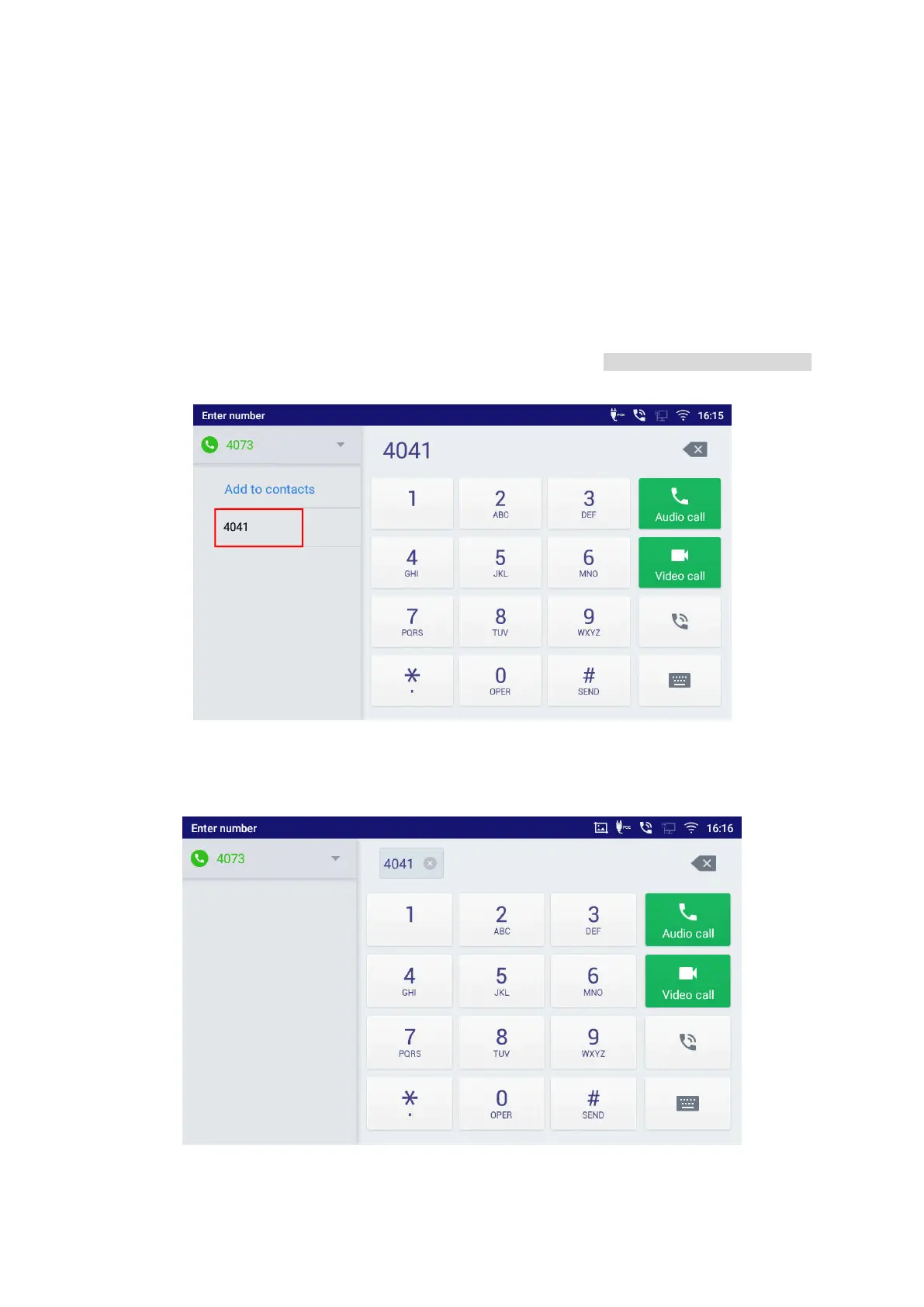
2. Enter the extension number then press on it on the left panel of the screen
Figure 56: Add Conference Members from Dial Screen
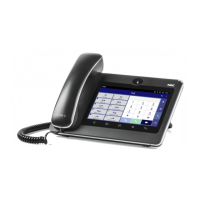
3. The extension number will be added to dialing field and users can dial another number
Figure 57: Add Conference Members from Dial Screen 2




 To Next Page