6
Table of Contents
Document Purpose ..................................................................................................... 10
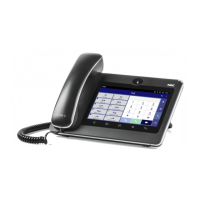
Product Overview ........................................................................................................ 11
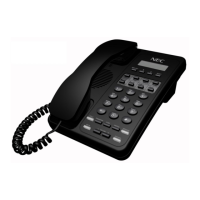
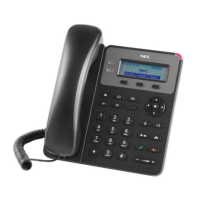
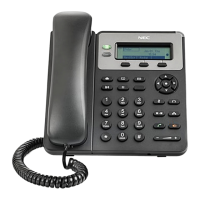
Model Line Up of ITX-3370 Series .................................................................................................. 11
Feature Highlights .......................................................................................................................... 11
Supporting Communication Servers
.................................................................................................... 11
ITX-3370 Technical Specifications................................................................................................... 12
Getting Started ............................................................................................................ 14
Equipment Packaging ..................................................................................................................... 14
Description of the ITX-3370 ............................................................................................................ 15
Front View ............................................................................................................................... 15
Back View ............................................................................................................................... 16
Side View ................................................................................................................................ 17
Connecting and Setting Up the ITX-3370 ........................................................................................ 18
Using the Phone Stand ............................................................................................................ 18
Using the Slots for Wall Mounting ............................................................................................ 18
Getting to Know ITX-3370 ........................................................................................... 20
Use the Touchscreen ...................................................................................................................... 20
Use the Desktop ............................................................................................................................. 22
Desktop Menu ......................................................................................................................... 22
Add Widget to Desktop ............................................................................................................ 23
Manage Desktop Items ............................................................................................................ 23
Set Wallpapers ........................................................................................................................ 25
Manage Running Applications .................................................................................................. 26
Idle Screen ..................................................................................................................................... 27
Switch Idle Screens ................................................................................................................. 27
Set Up Idle Screen .................................................................................................................. 27
Use the Status Bar ......................................................................................................................... 29
Notifications in Status Bar ............................................................................................................... 32
System Settings in Status Bar .................................................................................................. 34
Use the ITX-3370 Keys ................................................................................................................... 34
Keypad Shortcut Functions ...................................................................................................... 35
Use the On-Screen Keyboard ......................................................................................................... 36
Use the Message Waiting Indicator ................................................................................................. 37
Make Phone Calls ........................................................................................................ 38
Register SIP Accounts .................................................................................................................... 38






 To Next Page