66
4. Using On-Screen Menu
❻ Menu Descriptions & Functions [INFO.]
Displaysthestatusofthecurrentsignalandlampusage.Thisitemhasninepages.Theinformationincludedisasfollows:
TIP:PressingtheHELPbuttonontheremotecontrolwillshowthe[INFO.]menuitems.
[USAGE TIME]
[LAMPLIFEREMAINING](%)*
[LAMPHOURSUSED](H)
[FILTERHOURSUSED](H)
[TOTALCARBONSAVINGS](kg-CO2)
[TOTALCOSTSAVINGS]($)
* Theprogressindicatorshowsthepercentageofremainingbulblife.
Thevalueinformsyouoftheamountoflampusage.Whentheremaininglamptimereaches0,theLAMPLIFE
REMAININGbarindicatorchangesfrom0%to100Hoursandstartscountingdown.
Iftheremaininglamptimereaches0hours,theprojectorwillnotturnon.
• Themessagetotheeffectthatthelampshouldbereplacedwillbedisplayedforoneminutewhentheprojectoris
turnedonandwhenthePOWERbuttonontheprojectorortheSTANDBYbuttonontheremotecontrolispressed.
Todismissthismessage,pressanybuttonontheprojectorortheremotecontrol.
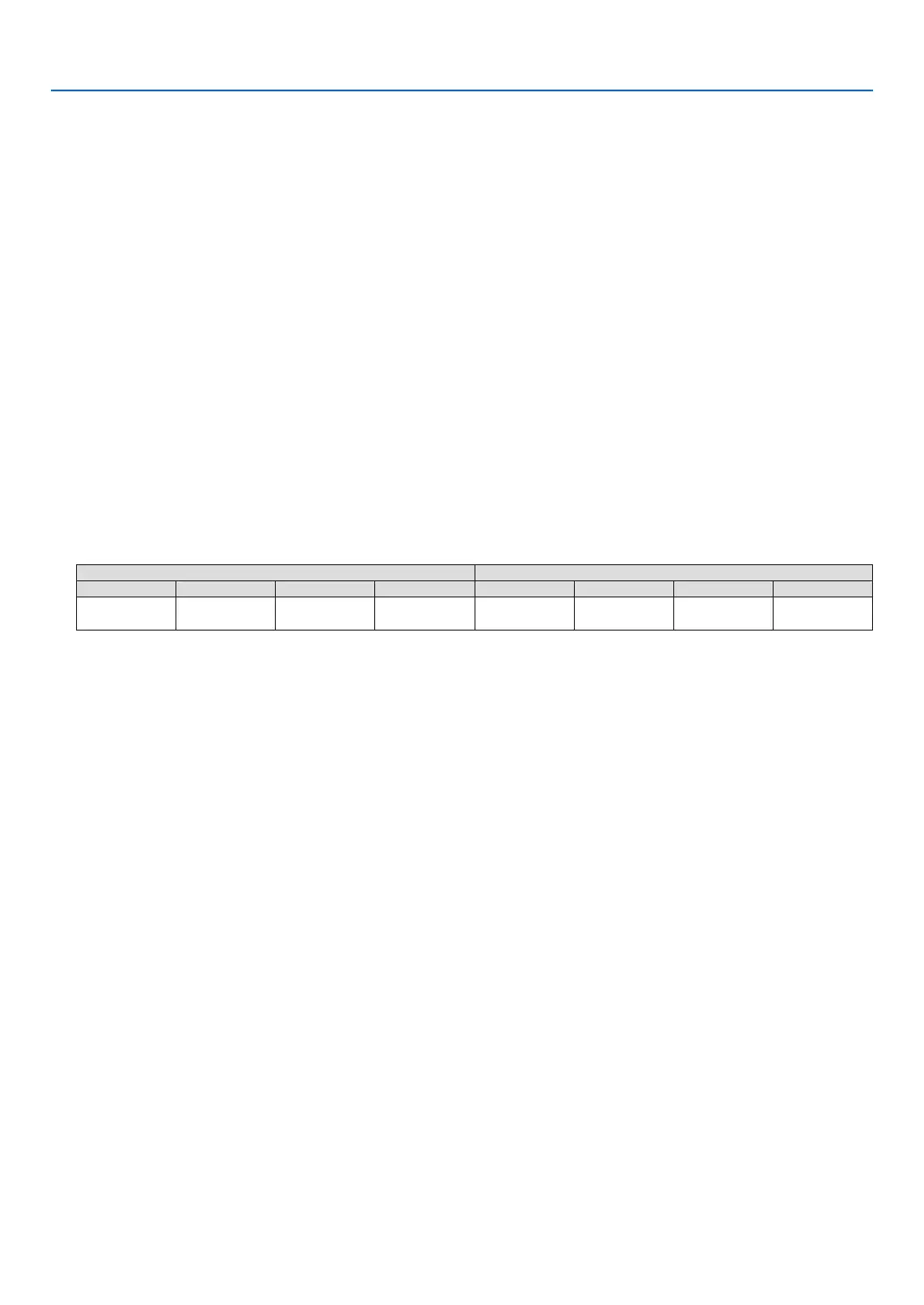
Lamplife(H) Brightness by mode
OFF AUTO ECO NORMAL ECO OFF AUTO ECO NORMAL ECO
3000H
3000Hto
5000H
4000H 5000H 100% OFFthruECO Approx.80% Approx.60%
• [TOTALCARBONSAVINGS]
Thisdisplaystheestimatedcarbonsavinginformationinkg.Thecarbonfootprintfactorinthecarbonsavingcal-
culationisbasedontheOECD(2008Edition).(→page29)



 To Next Page