15
© by NECTA VENDING SOLUTIONS SpA 0301 162-00
PRE-SELECTIONS
When pressing a pre-selection button for sugar, the mes-
sages "No Sugar" or "Extra sugar" are displayed for a few
seconds.
For models with decaffeinated coffee, the same function is
performed with a single button pressed in sequence. The
second button pre-selects the use of decaffeinated coffee
for the different selections:
BREWING CYCLE COUNTER
When the machine is used without support cabinet, an
electronic counter that blocks the dispensing of brew
product (after 150 cycles) must be set to prevent the small
size internal tray from overflowing.
When the preset number of selection is reached the brew
product selections are blocked.
To reset the counter, after cleaning the tray, button "1"
must be kept pressed for two seconds within one minute
from switching the machine on.
JUG FACILITIES
To be able fill a jug rotate the key a quarter of a turn
clockwise, the machine will then be set to dispense 5
consecutive free selections without accessories.
The selection sequence can be stopped by turning the key
back to central position before the end of a selection.
The number of residual available selections will be shown
on the display at the beginning of each selection.
MAINTENANCE MODE
When the programming button located on the internal side
of the push-button board (see Fig. 20) is pressed once the
machine will go to "Maintenance" mode.
The message "Maintenance" is displayed for approx. two
seconds and then the first option of the "Statistics" menu,
allowing the following functions:
"Complete Sel." Dispensing test including
cup, sugar and stirrer
"Powder only" Dispensing powder only
"Water only" Dispensing water only
"No accessories" Dispensing test without
cup, sugar and stirrer
"Washing" Rotating the coffee unit
Dispensing sugar
Dispensing extra sugar
Washing
"Filling tubes" Manual filling/releasing
change tubes
For complete or partial dispensing tests each button is
assigned a selection (see the dose selection table).
N.B. For Espresso coffee based selections, only the
additions are dispensed with the partial dispensing of
powder and water; if a selection requires no additions
the message "Sel. not avail." will be displayed.
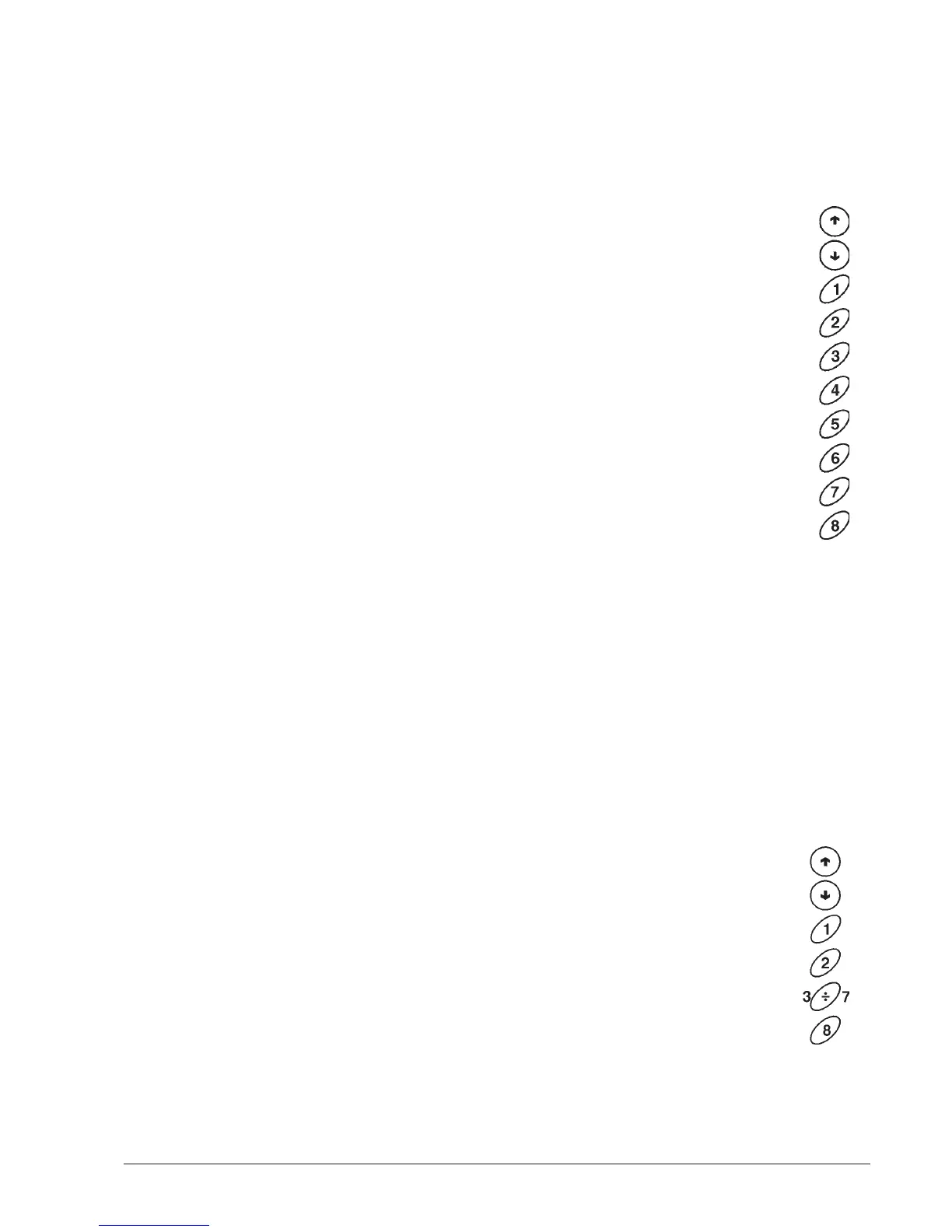
When the display shows "Washing" the buttons are as-
signed the following functions:
The function cannot be accessed when in program-
ming mode. In that case it will be necessary to switch
the machine off and on again.
previous function
next function
wash mixer
operate brewer unit
dispense sugar
dispense extra sugar
not used
not used
not used
not used
release tube "a"
release tube "b"
release tube "c"
release tube "d"
not used
exit function /fill tubes
Button "2" is used to operate the coffee unit if this is
connected to the electrical system, and it releases a coffee
dose if the unit is disconnected.
With the display indicating the function "Filling tubes", to
manually fill the change tubes do as follows:
- press any button to enable filling; the display will indicate
the message Credit: —— , which is the value of money
available in the change tubes;
- insert the desired coin in the selector (the display will
indicate the value of money available in the change
tubes;)
- press button "8" to end the operation.
When the function "filling tubes" is active, the buttons take
on the following functions:










 To Next Page