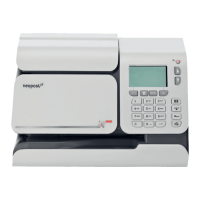
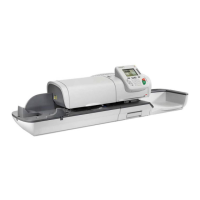
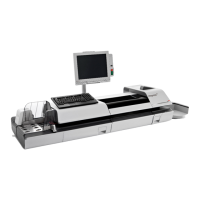
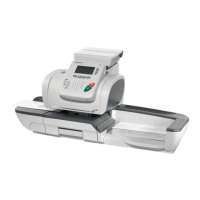
Maintaining your Mail-
ing System
11
This section contains important information about the maintenance of your mailing system
in order to keep it in good condition.
11.1 Maintaining the Ink Cartridge .........................................187
How to Display Ink Level and Cartridge Data ..............................................188
How to Display Ink Level and Cartridge Data ..............................................189
How to Align the Print Heads .......................................................................190
How to Clean the Printing Head Automatically ............................................192
How to Clean the Printing Head Automatically ............................................192
How to Clean the Printing Head Manually ...................................................193
How to Change the Ink Cartridge .................................................................193
11.2 Maintenance Processes ..................................................196
How to Run the Installation Wizard ..............................................................197
How to Update your Registration .................................................................198
185
| Page 185 | Maintaining your Mailing System | dec-12-2013 12:37 |


 To Next Page