POC-200 Series User’s Manual
Copyright © 2014 Neousys Technology Inc. All Right Reserved. Page 15 of 78
2.2 Front Panel I/O Functions
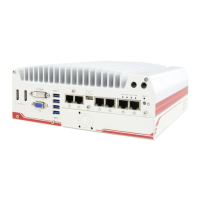
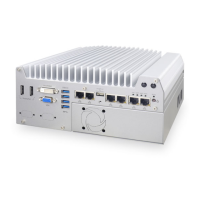
On POC-200 series, we design general-purpose I/O functions on the front panel so you can
e
a
si
l
y
access them. In this section, we’ll illustrate each I/O function on the front panel.
2.2.1 Power Button
The power button is a non-latched switch for ATX mode on/off operation. To turn on the
POC-200, press the power button and the PWR LED on the center-top side is lighted up.
To turn off the POC-200, you can either issue a shutdown command in OS, or just simply
press the power button. In case of system halts, you can press and hold the power button
for 5 seconds to compulsorily shut down the system. Please note that a 5 seconds interval
is kept by the system between two on/off operations (i.e. once turning off the system, you
shall wait for 5 seconds to initiate another power-on operation).


 To Next Page
 Loading...