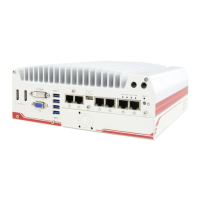
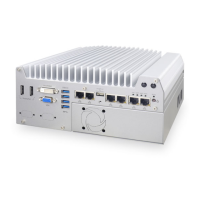
POC-200 Series User’s Manual
Copyright © 2014 Neousys Technology Inc. All Right Reserved. Page 16 of 78
2.2.2 Reset Button
The reset button is used to manually reset the system in case of any abnormal condition.
To avoid unexpected operation, the reset button is hidden behind the front panel. You need
to use a pin-like object to push the reset button.
2.2.3 LED Indicators
There are three LED indicators on the front panel: PWR, WDT and HDD. The descriptions
of these three LED are listed in the following table.
Indicator
Watchdog timer indicator, flashing when watchdog timer is started.
HDD Red Hard drive indicator, flashing when SATA hard drive is active.


 To Next Page
 Loading...