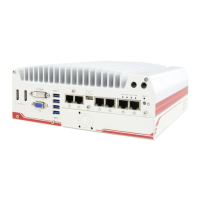
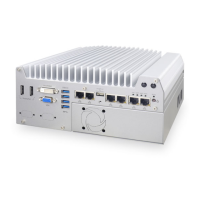
POC-200 Series User’s Manual
Copyright © 2014 Neousys Technology Inc. All Right Reserved. Page 38 of 78
Chapter 3 Getting Start
In this chapter, we’ll illustrate how to disassemble your POC-200 and install peripheral
d
e
v
i
ce
s. Please note that the procedures might be varied for different POC-200 models.
Please follow the correct procedures to prevent any damage on your POC-200 series.
3.1 Dissemble your POC-200 Series
3.1.1 Dissemble POC-200/210
1. Unscrew 4 hex bolts on the top of the heat sink.
2. Unscrew four M3 F-head screws on the bottom side.



 To Next Page
 Loading...