POC-200 Series User’s Manual
Copyright © 2014 Neousys Technology Inc. All Right Reserved. Page 39 of 78
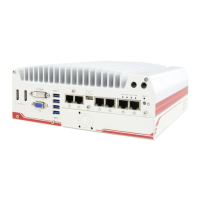
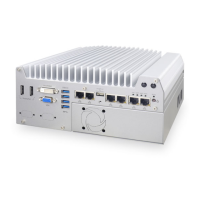
3. Gently slide out the assembly of case and you can see the case and the HDD bracket.
3.1.2 Dissemble POC-212/222
1. Unscrew the hand screw on the back panel.
2. Pull the 2.5” HDD bracket out of POC-212/222.


 To Next Page
 Loading...