AP4.10 E-Mail Client Setup
AP4-22
AP4.10 E-mail Client Setup (Outlook Express Ver.6)
Contact with the network administrator who knows the network and/or
applications on board ship
.
The mail software on a PC is set for LAN e-mail, referring to the instruction for the
software.
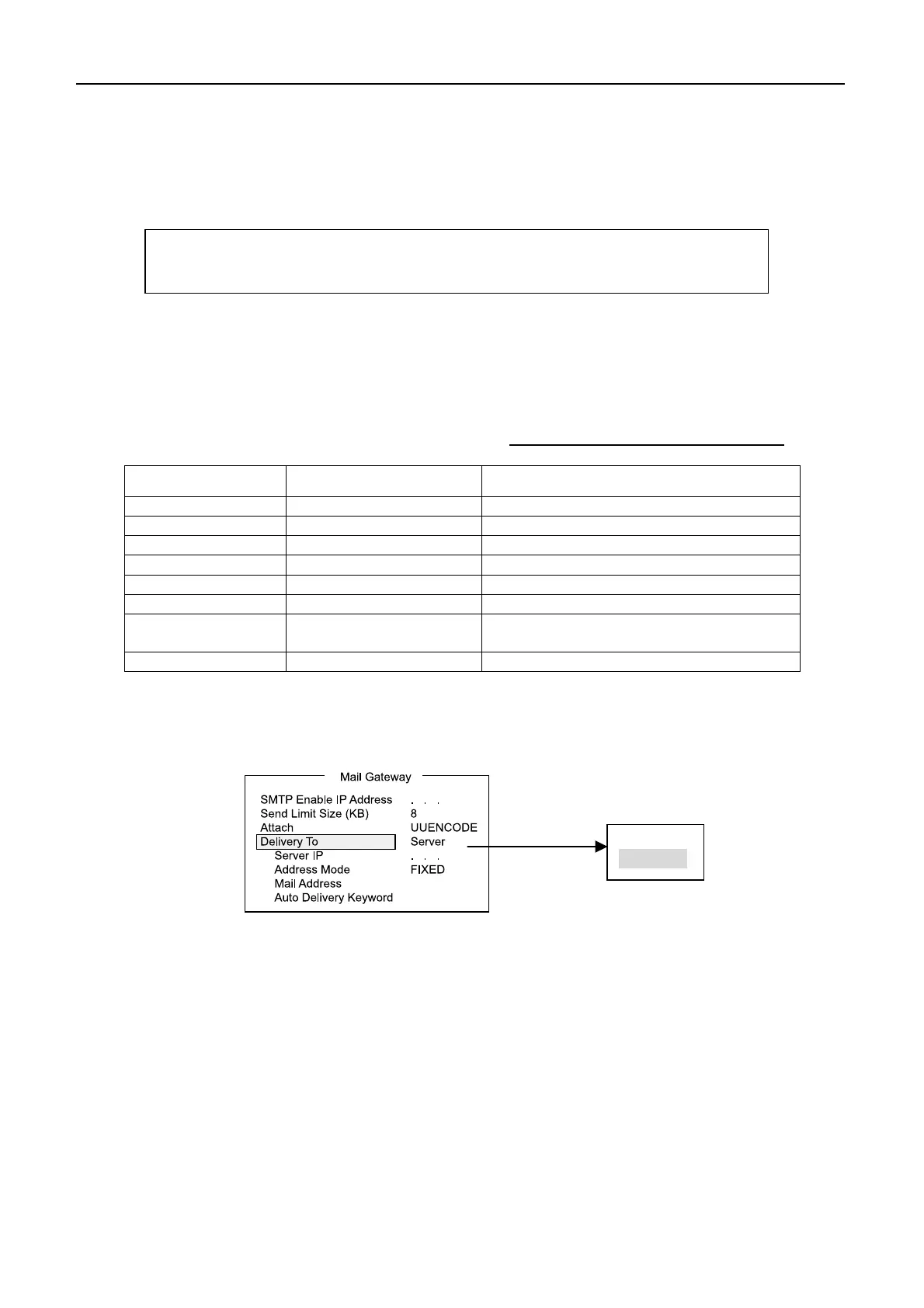
Mailer” in “Mail Gateway” menu.
PC setting when setting to Pc Mailer
Item Setting Remarks
POP3 server
POP3 port number 110 Cannot be changed.
SMTP server
SMTP port number 25 Cannot be changed.
User account IMN number Cannot be changed.
POP3 password IMN number Cannot be changed.
Mail address Provider mail address
Received sender’s address is the address
of e-mail station.
Signature Any Setting is not received.
Server
Pc Mailer
Table below lists the necessary settings on the PC when Nera C is set to “PC
IP address of Nera
IP address of Nera


 To Next Page