Check List
1
- Check for waterproofing of the antenna.
- The receiving signal from selected satellite is not obstructed by other objects, such as a
crane. See AP1-2 for the satellite antenna direction.
1. Installation
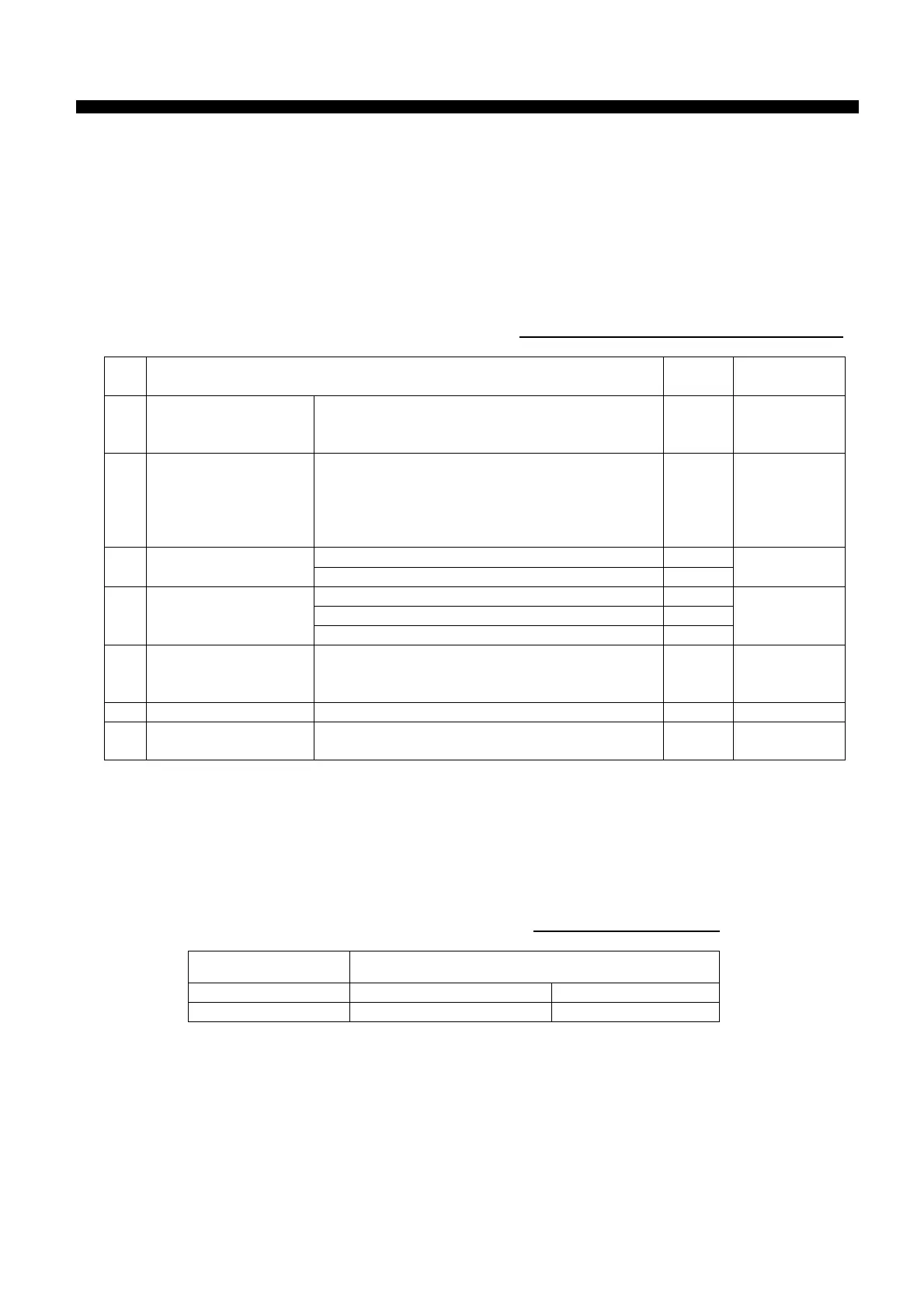
The table 1 lists check items of the installation.
Table 1. Items to be checked of installation
No. Item to be checked Result Reference to
1 Power supply cable
The current of the power supply cable, such
as for the back up battery, is 5 to 7 A when
transmitting.
2 Antenna cable
- The designated cable is used.
30m: TP5FBAW-5DFBB
50m: 8D-FB-CV
100m: 12D-SFA-CV
- The antenna cable is waterproofed.
Check for connection of the IC-305.
3 Other cable
Check for connection of the IC-306.
IC-115: Antenna unit
IC-215: Terminal unit
4
Grounding
PR-240: Power supply unit
5 PR-240 specification
- 220 VAC
- The power is supplied from both the main
source and the emergency source.
4-12
6 Connector The antenna connector is connected securely.
7
Indication
: IMN, AAB, CS, etc
The indication is sealed around the terminal
unit.
2. Program version
See chapter 6.
The program version is checked by “Diagnostic Test” (keystroke: [F7]-7-3).
Table2. Program version
Program Detail version
TERM CPU 1650162-01.xx Ver
RF CON/CPU 1650159-01.xx Ver
Check List
For the detail version, type “Nera” while pressing [Ctrl].


 To Next Page