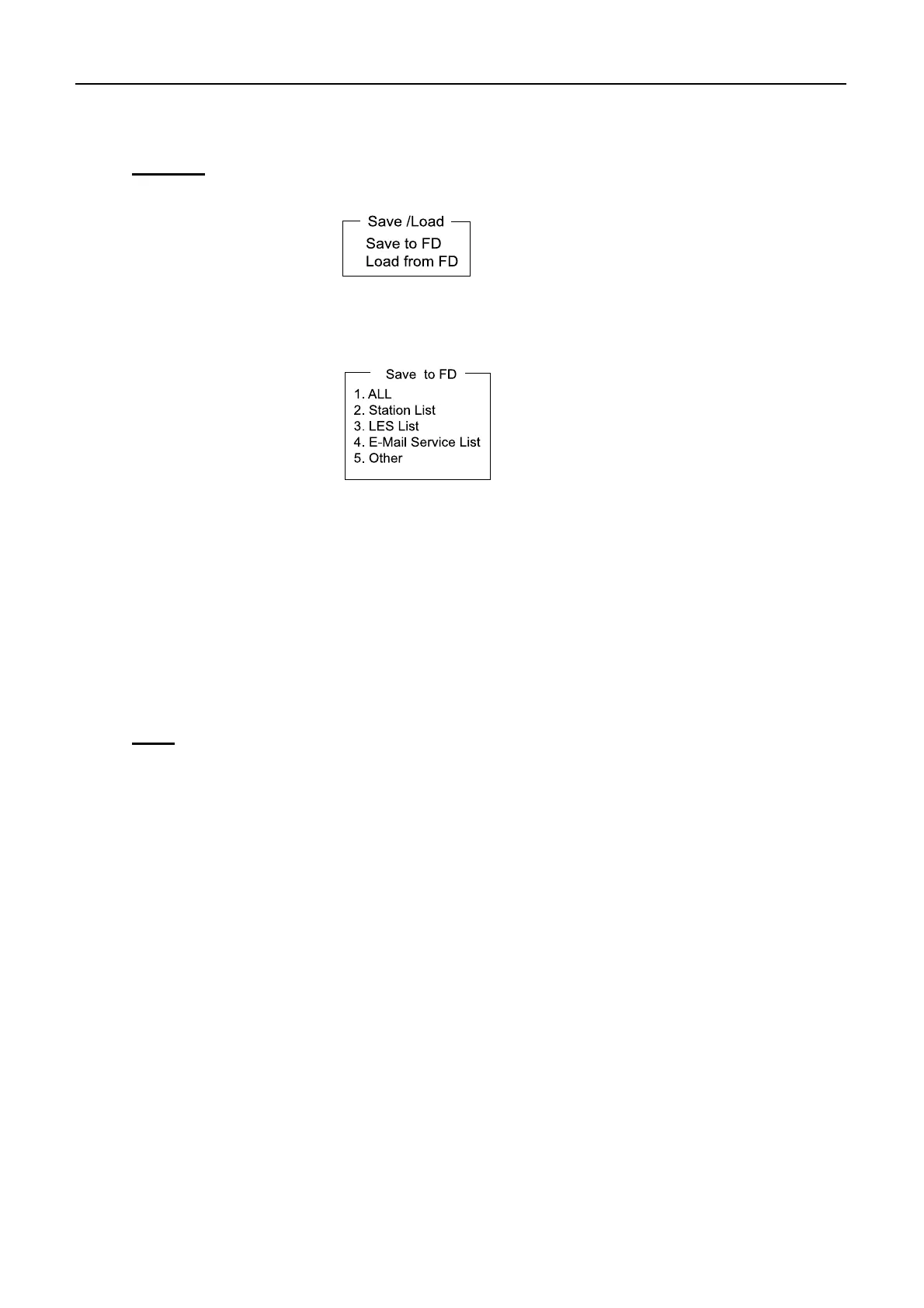
5.11 Saving and loading of system setting
5-25
Loading
1. Press [F8][9][6] to show “Save/Load” display.
2. Select “Load from FD” and press [Enter].
3. Select the item to be loaded. When selecting “1. All”, items from “2. Station List” to
“5. Other” are loaded.
4. Select [Yes] and then press [Enter]. Items in the floppy disk is loaded to the terminal
unit.
Note)
Refer to 4-1 pages for “Save/Load” operation in the [DTE] port (PC terminal).


 To Next Page