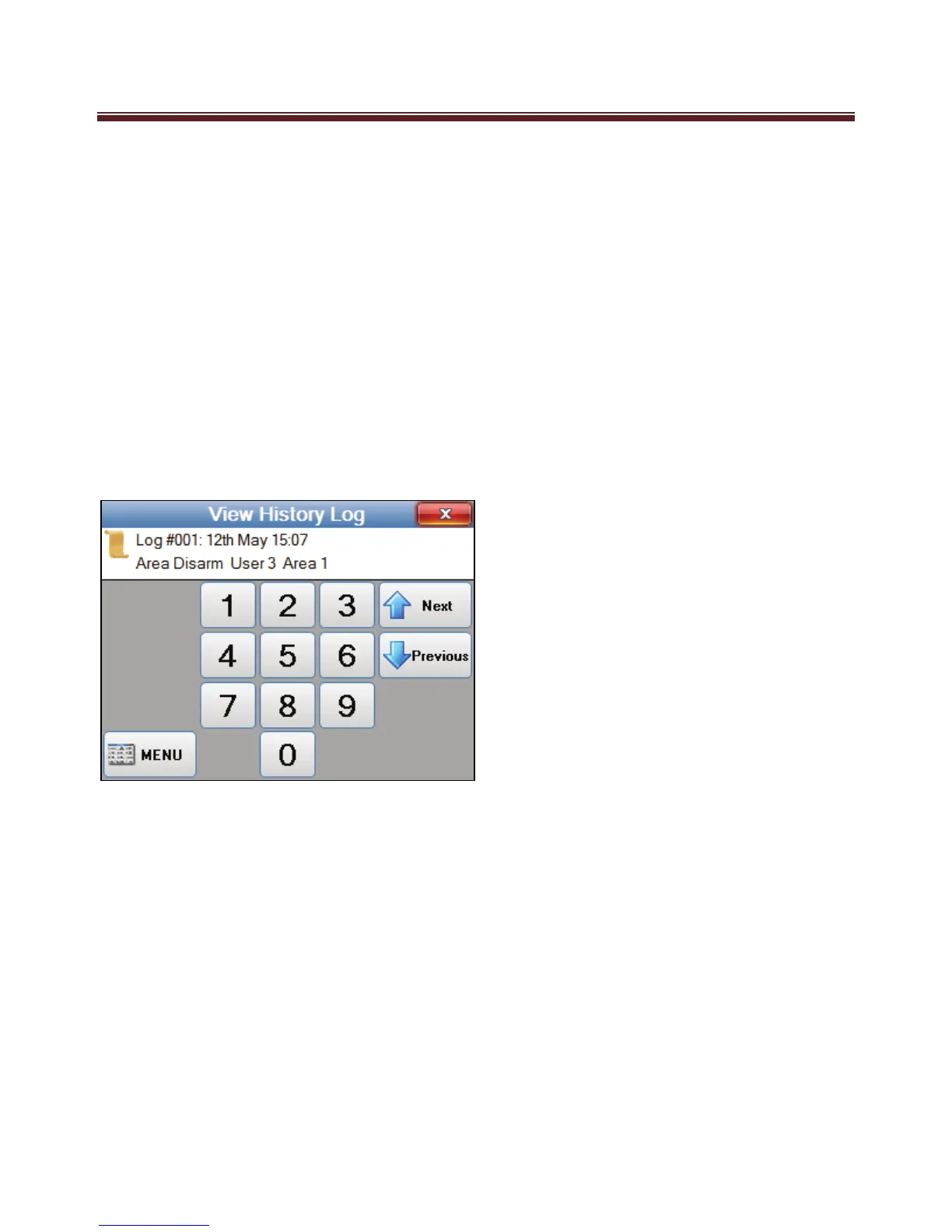
History Log
Your Ness M1 system will store the last 512 events.
At anytime you wish to view history events as logged in your systems memory select
“View History Log” which will then display the last event that was logged into your
systems memory.
To view events one at a time (from most recent backwards) select the “Next” to view the
next event logged in time or “Previous” to go back to up the list towards the most recent
event.


 To Next Page