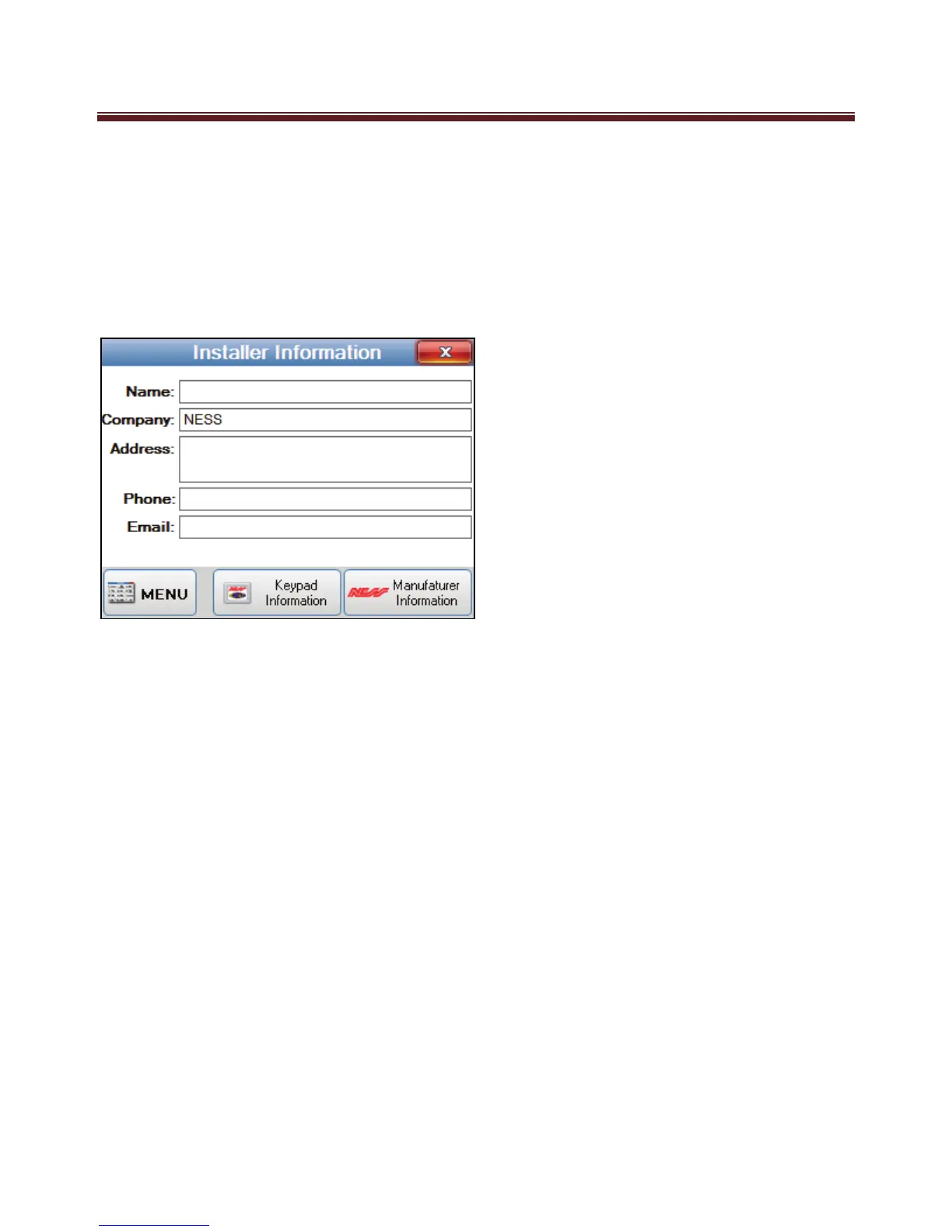
Installer Information
The Installer Information screen is displayed when the Installer Information button is
pressed on the Main Menu.
Once pressed information on the keypad and the Manufacturer can also be viewed by
pressing the “Keypad Information”, or “Manufacturer Information” button.
The screen displays the following installer information:
Name
Company
Address
Phone
Email
To return to the Main Menu screen press the MENU button.
To return to the main screen press the “MENU” button or press the Close button on the
top right of the screen.


 To Next Page