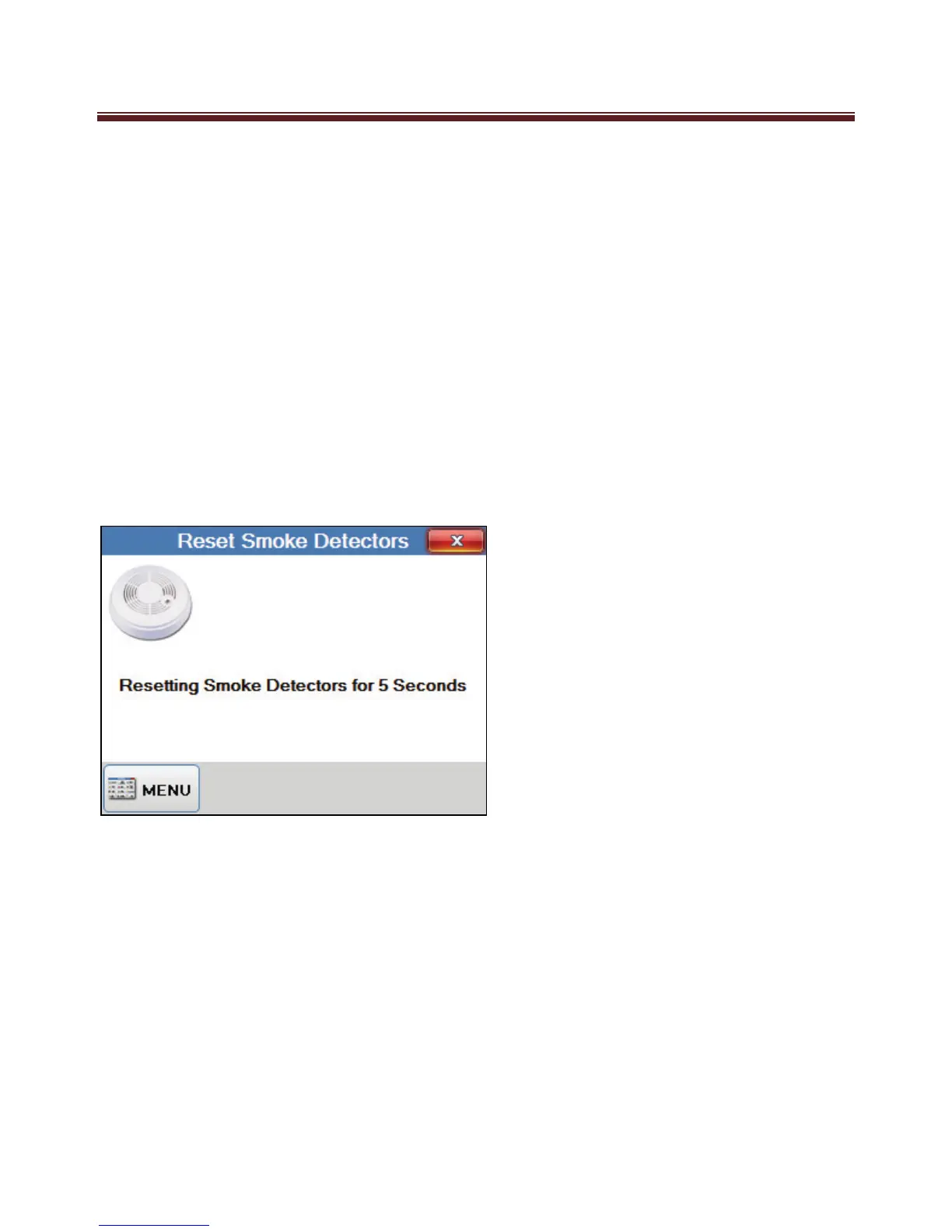
Reset Smoke Detectors
If your M1 System has smoke detector connected then depending on what type and model
detector the installed has fitted, it may need resetting if it detects smoke and goes into
alarm. The main purpose of these could be multiple detectors can be connected together to
cause a common smoke detector alarm. In this configuration the detector that caused the
alarm would latch on to provide you a visual indication of what detector activated the
alarm. Once you have determined what detector it was you can then reset it using this
keypad option.
If you need to reset it this option will reset the detector if required.
Your installer will advise you if your smoke detectors are the type that requires a manual
reset.


 To Next Page