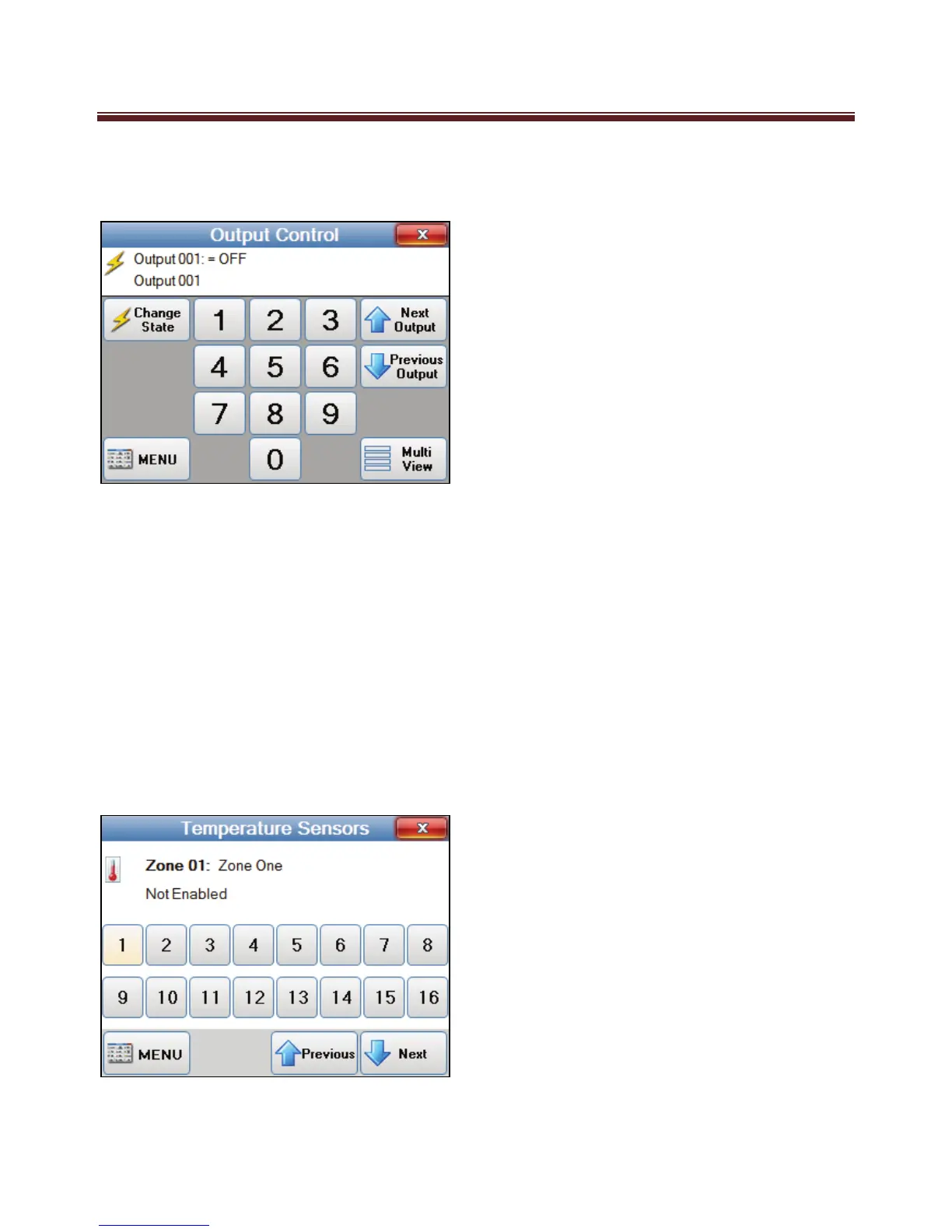
To toggle outputs set to not be shown, press the Single View button to display the Single
View Output Control screen where all outputs can be selected and toggled.
Pressing the MENU button will step back to the Automation Menu.
To exit the menu and go back to the main screen, press the red close button on the top
right of the screen.
Temperature Sensors
Your M1 system will support up to 16 temperature sensors. If your M1 system includes a
temperature sensor your M1 Navigator can easily view the temperature.
To view the temperature sensors temperature press the “Temperature Sensor” option from
the main menu screen. Then select the Sensor which will in return display the temperature


 To Next Page