If the user tries to enter an option that requires authorisation then the Authorise screen will
be displayed. This allows the user to enter an authorisation code. The operation may be
cancelled by pushing the Cancel button.
Main Menu
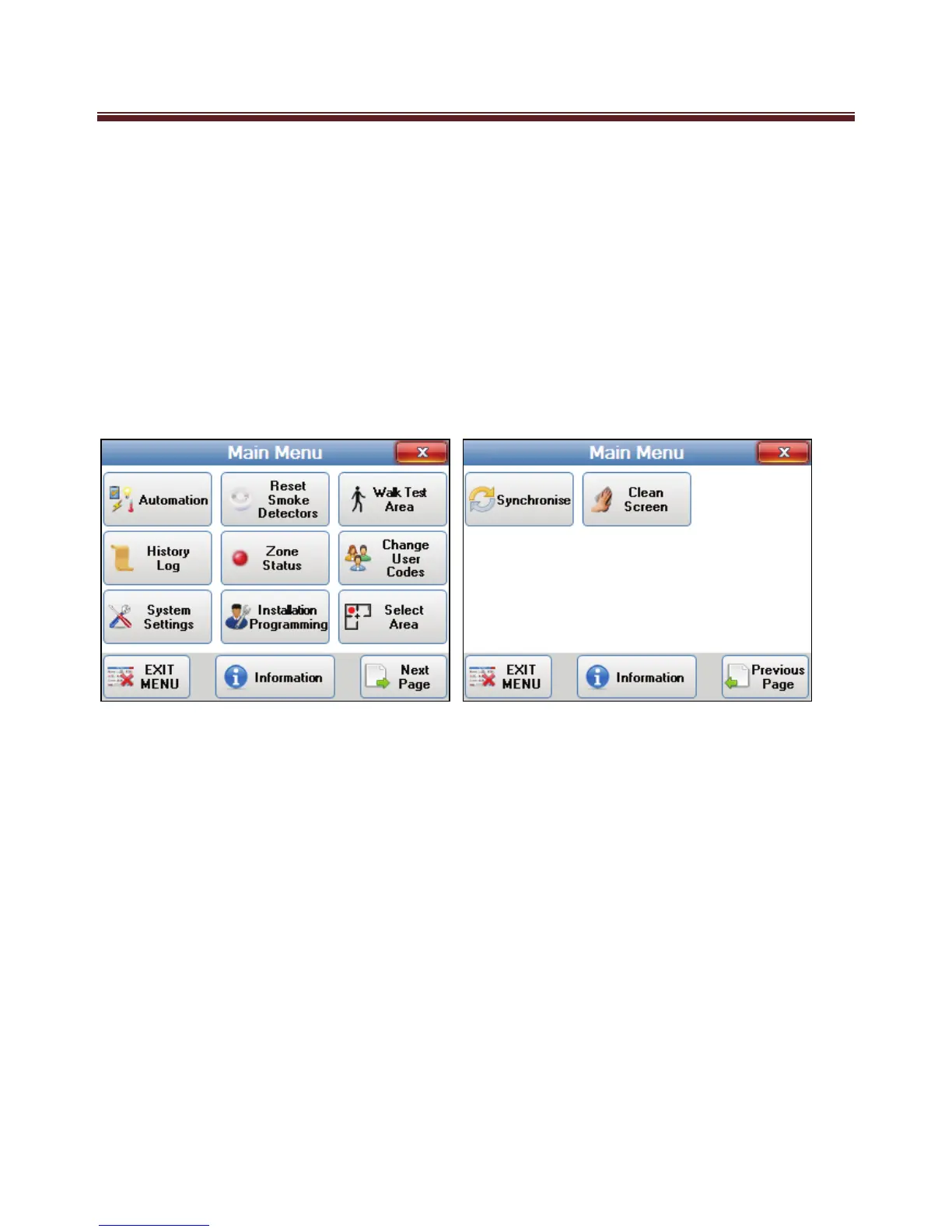
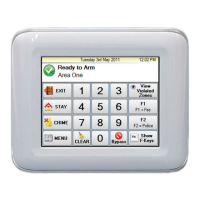
The Main Menu screen will be displayed when the menu button is pressed on the main
screen and the M1 panel allows access to the menu.
The Main Menu is split across 2 pages.
The two pages can be accessed by pressing “Next Page” or “Previous Page”
An Information button is at the bottom of both menu pages which will display the
Installer Information page when pressed.
To return to the main screen press the EXIT MENU button or press the Close button on
the top right of the screen.


 To Next Page