101
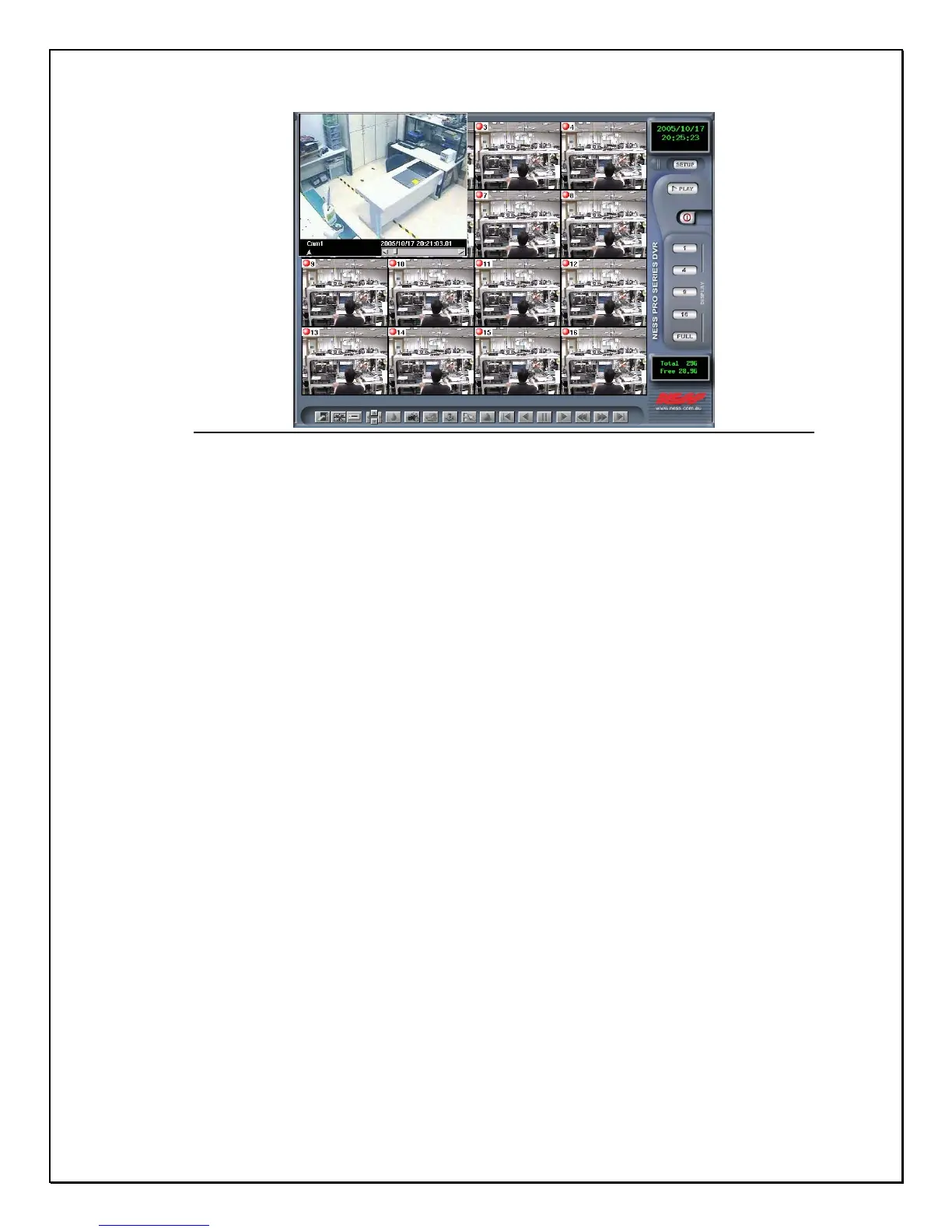
Figure 14-8: Recorded playback data
8. Click “play” from the Bottom Toolbar
9. Click the “Snapshot” icon, and a new window will appear to show
the image that has been taken.
(Before taking a snapshot, press the “ pause “ button to freeze the
picture)
10. Click the “Export” from the Bottom Toolbar to print the image.
11. If the print is successful, a new window will appear to give you a
notice. Click “ Confirm” to view the printed data.



 To Next Page