100
5.
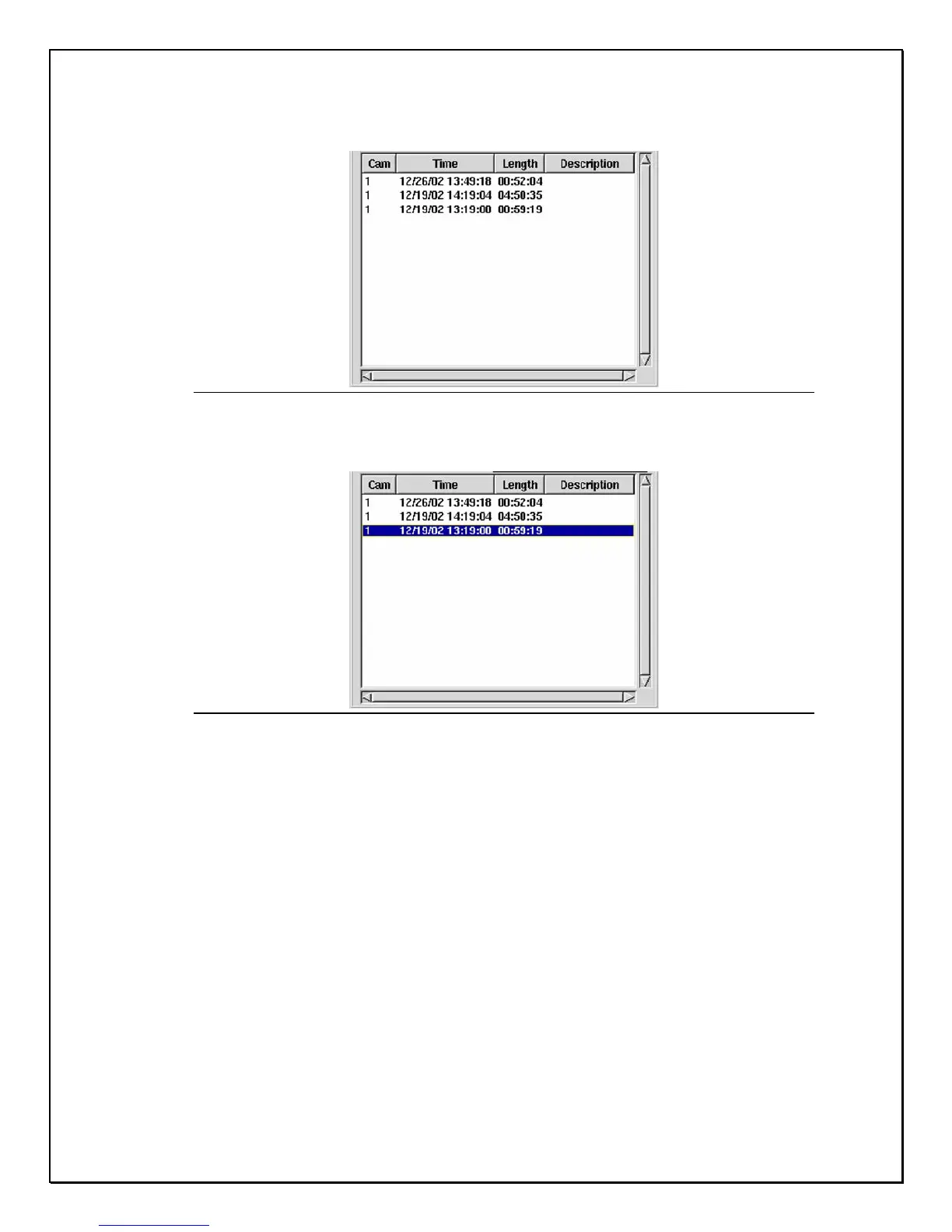
The database for that camera will open
Figure 14-6: Camera Database
6. Select the date and time to view the clip.
Figure 14-7: Camera Selection
7. Double-click the selection or click “ Open” The selected clip will
appear in front of the Main Screen



 To Next Page