104
10.
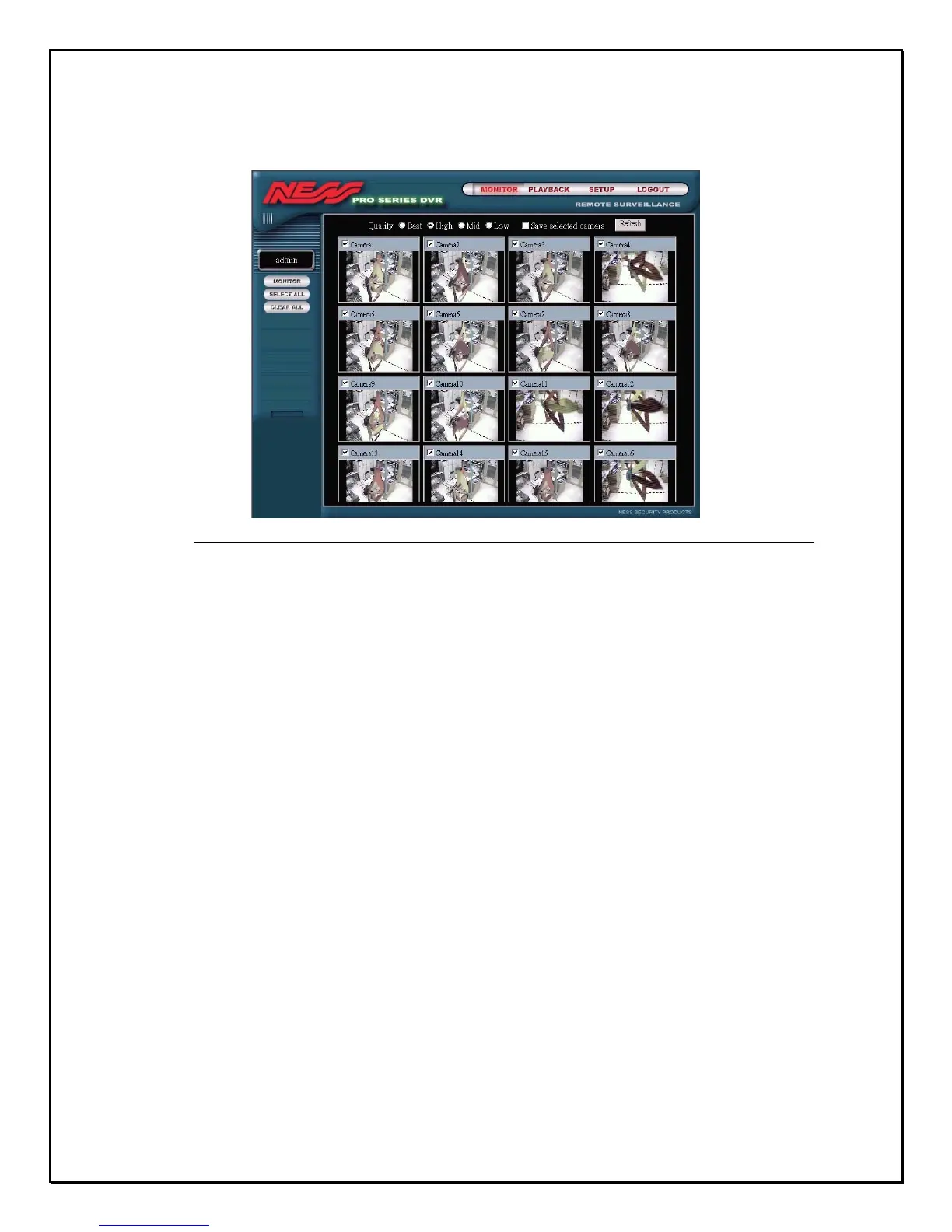
The next screen is the main Remote Browser Screen
Figure 15-4: The Main Remote Surveillance Screen
The Main Remote Surveillance Screen has four parts to it. They are Monitor,
Playback, Setup, and Logout.
• Monitor – Click this area to preview still images and monitoring live
images and video.
• Playback – Click this area to view playback-recorded data.
• Setup –This part has 8 kinds of remote setting functions: Camera,
Schedule, Account, System, Alarm, Alarm Log, User Log and GPIO
• Logout – Click this area to close all operations and return to the DVR
remote login screen.
Lets go over each section one-by-one in more detail.



 To Next Page