105
Monitoring
1. Click Monitor
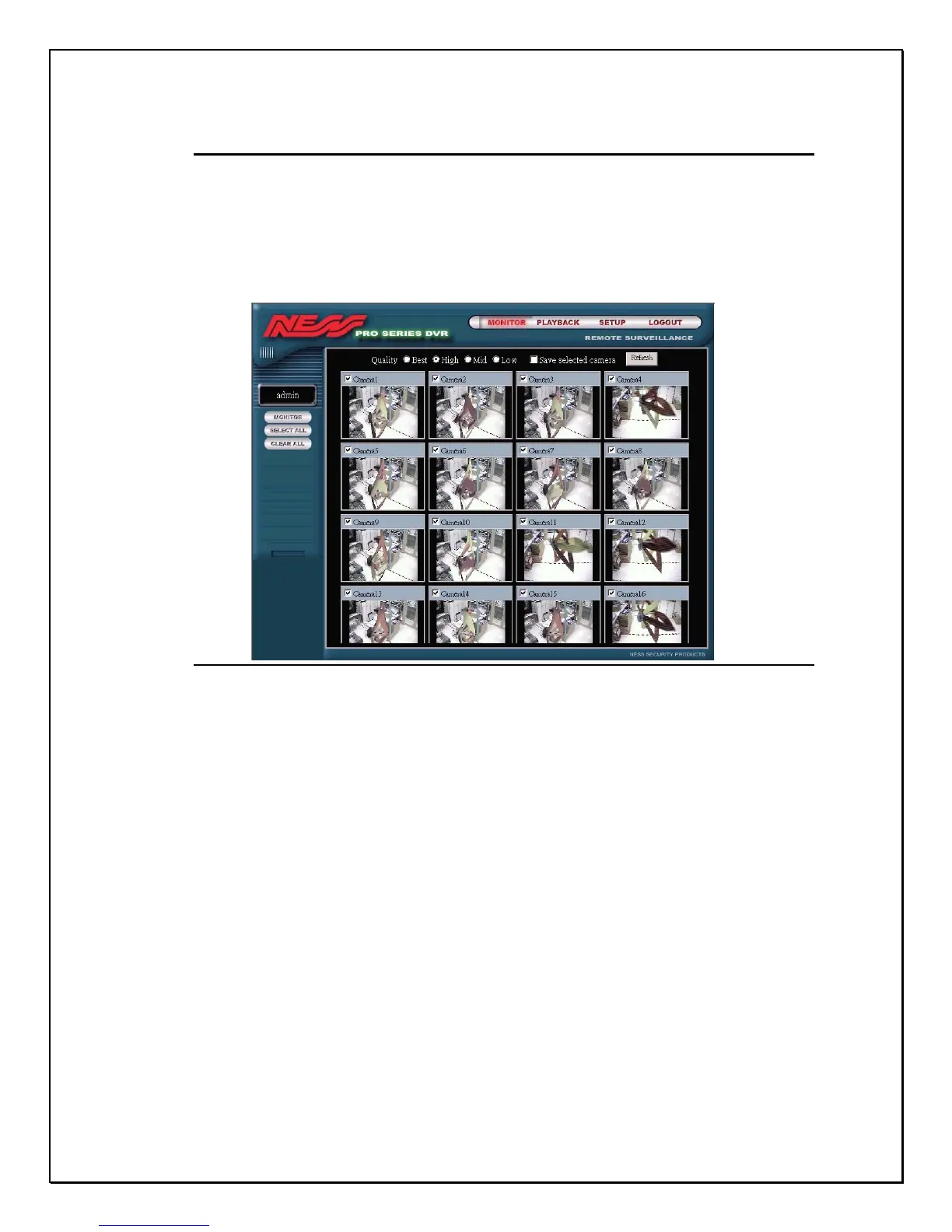
Once you have clicked on Monitor a new screen will appear previewing all
cameras connected to your PRO SERIES digital video recorder. These are static
images taken from each camera.
Figure 15-5: Remote Monitor Screen- Remote Monitoring
Each camera view has a checkbox, with the cameras name or identification
(depending on how you configured the local machine)
2. Click the “Clean All” link to view disable all camera connections
3. Click the checkbox next to a particular camera to view a live feed
4. Click Monitor to view that particular camera.
5. Click as many checkboxes as you wish (or as many cameras that are
connected to your machine)
6. Click Select All to view all cameras remotely



 To Next Page